VMware Explore 2023 Las Vegas Analysis

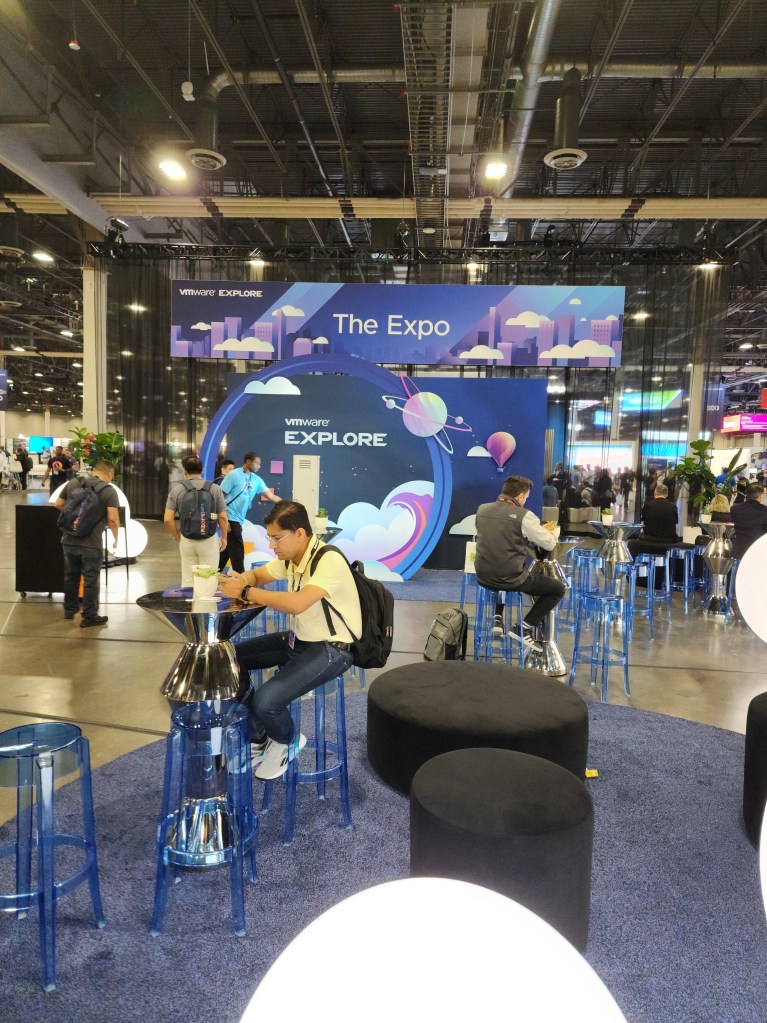
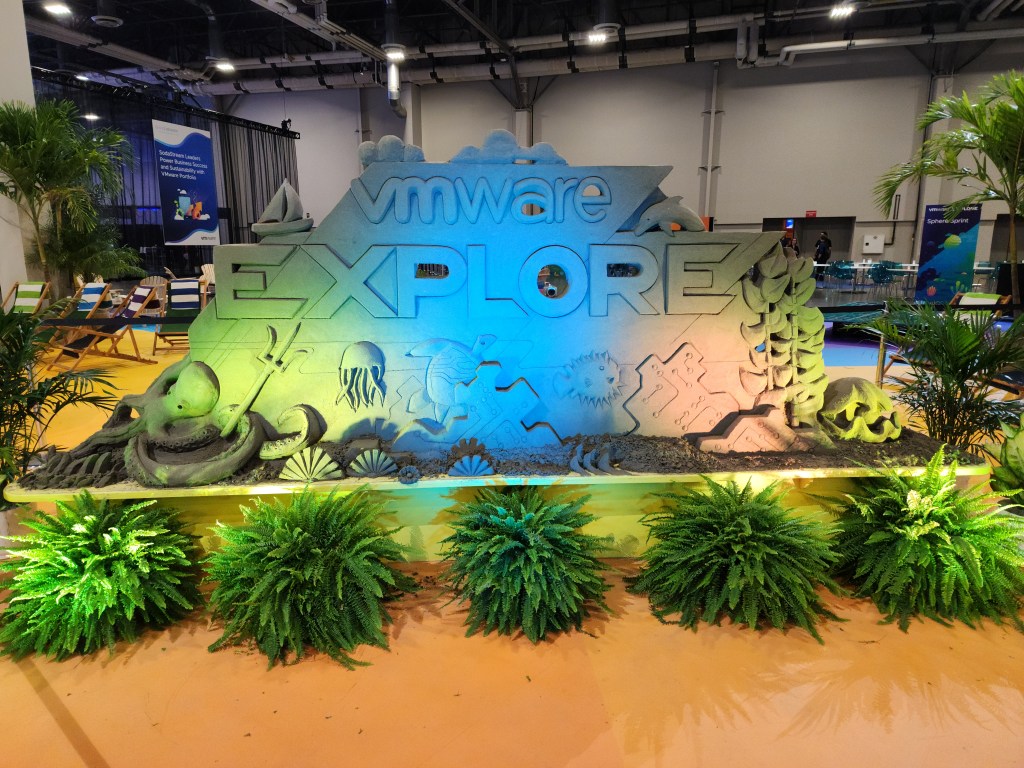
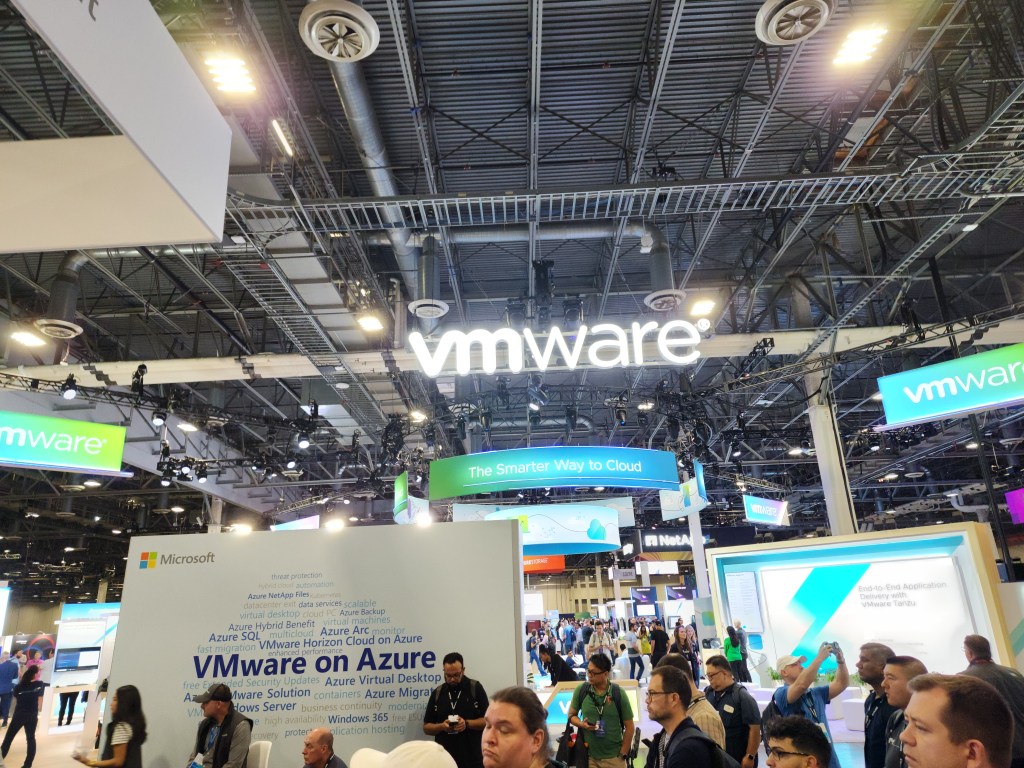
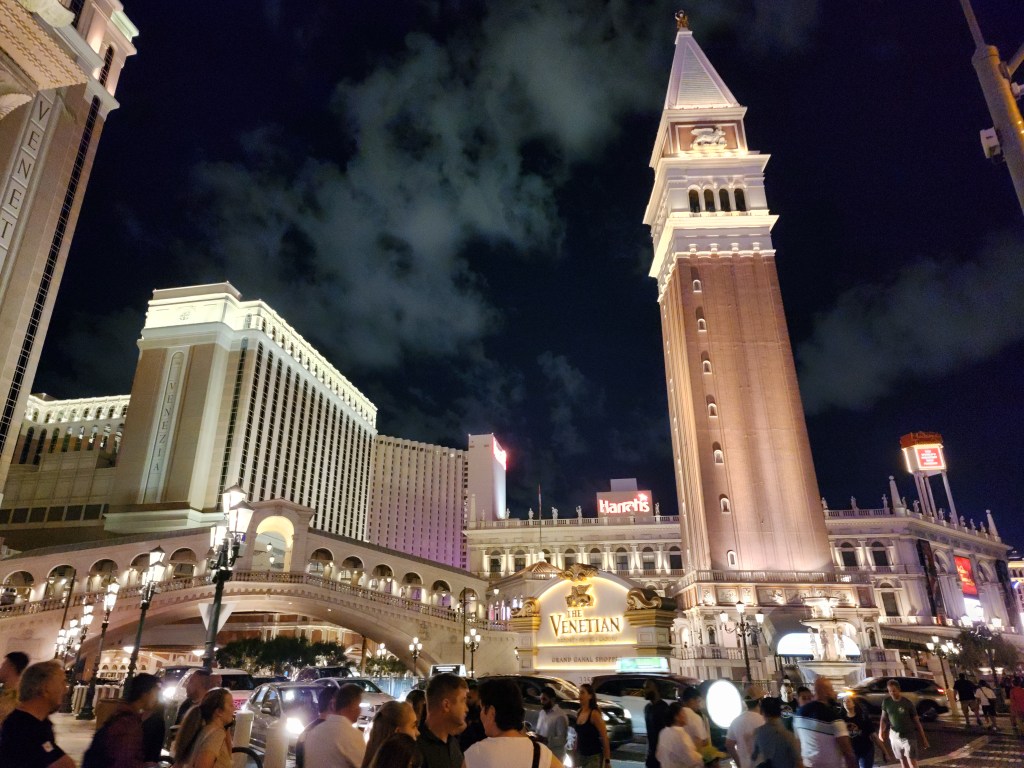
It was great for VMware Explore 2023 to be back in Las Vegas. I am sure attendance was higher than last year, but still not as many as before the pandemic. It’s definitely on the right track for continuing to grow. The Venetian is an amazing venue. It was nice not having to walk across a city block to attend sessions as it was with the Moscone Center. Though, I still, somehow, ended up with about the same amount of steps as last year. I really like everything with the Explore theme and I thought it was more embraced this year.

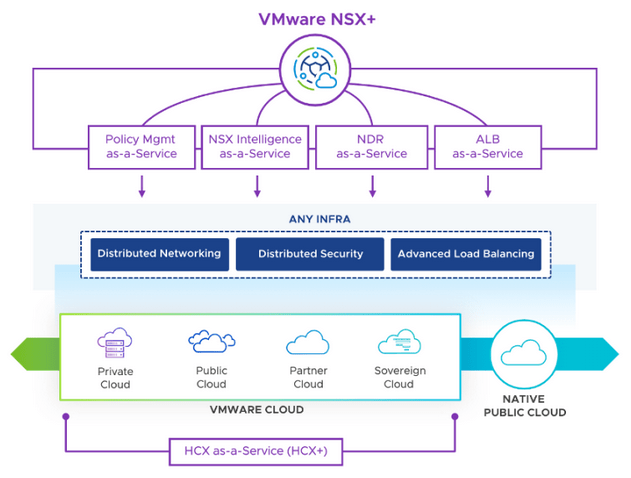
I have an article about vSphere announcements and vSAN announcements so I will focus on other areas in this article. As expected, AI was the main topic during the general session. I was impressed with VMware’s announcement of VMware Private AI. It makes a lot of sense to be able to have a platform to utilize AI, but without giving up your privacy. Many companies are not adapting quickly to AI because they see it as a security risk. You could be essentially giving up your data if you don’t own and control the AI model. With Private AI, that will not be an issue. Another announcement was VMware NSX+, which is another addition that makes sense. Customers can have one cloud console to manage NSX for both on-prem and cloud. That means consistent policies and management in one interface to keep VMware environments uniform.
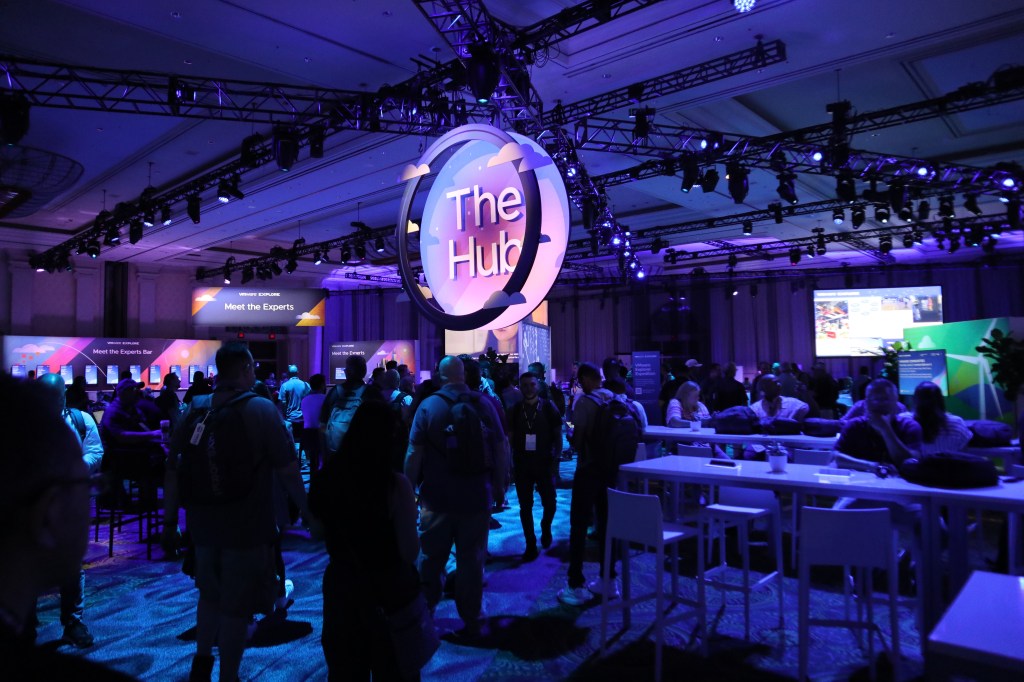
The Hub had the best setup this year. Everything community related was in one big room. It felt too disjointed in past years. VMTN, Virtually Speaking Podcast, VMware Rewards, and a few other groups all had a setup in The Hub, and it was close to the expo.

The food was not as good as last year. Two days out of four days for lunch was sandwiches and salads. Vegas has great food so no one wants multiple days of sandwiches. I hope VMware can step it up next year.

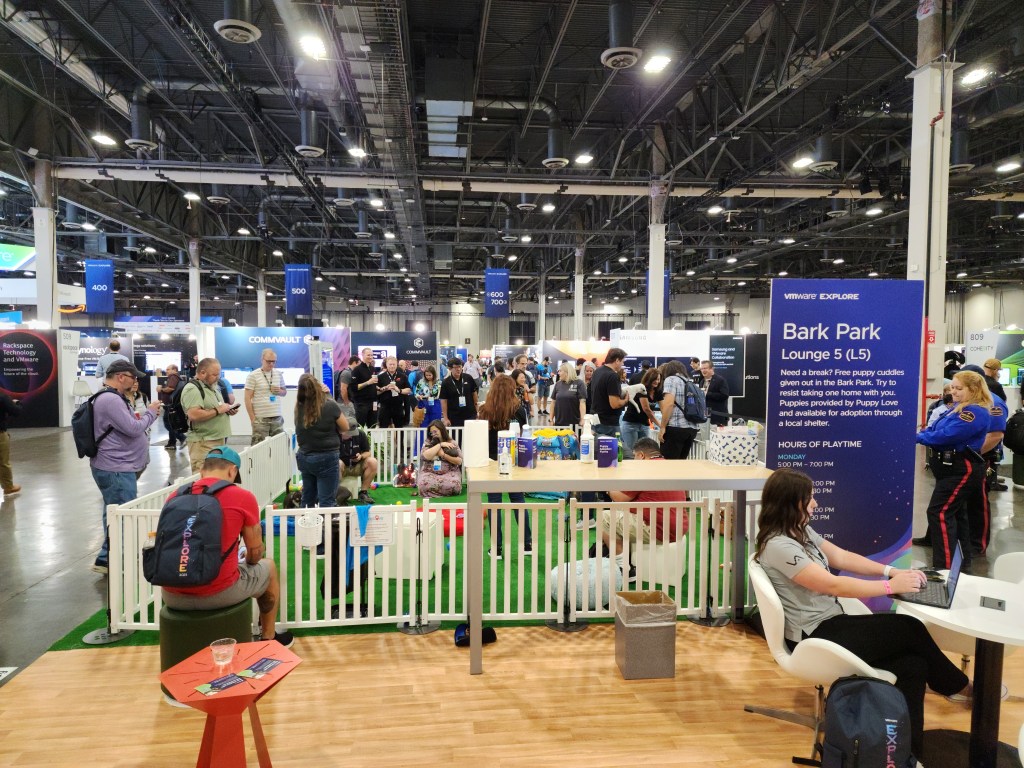
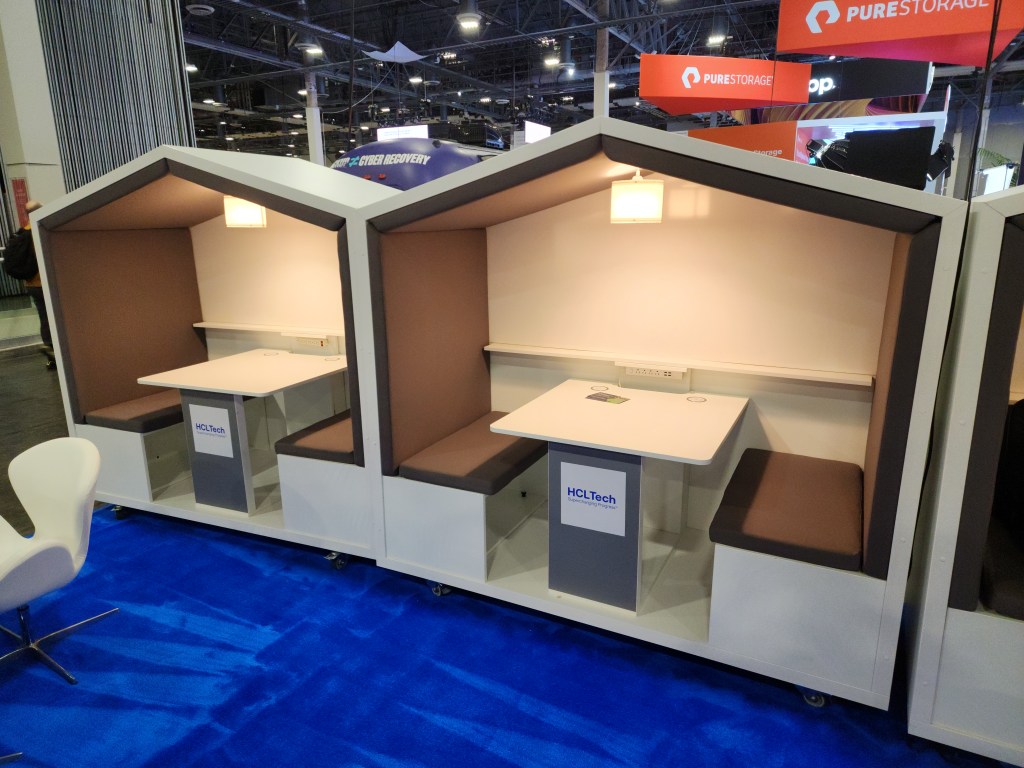
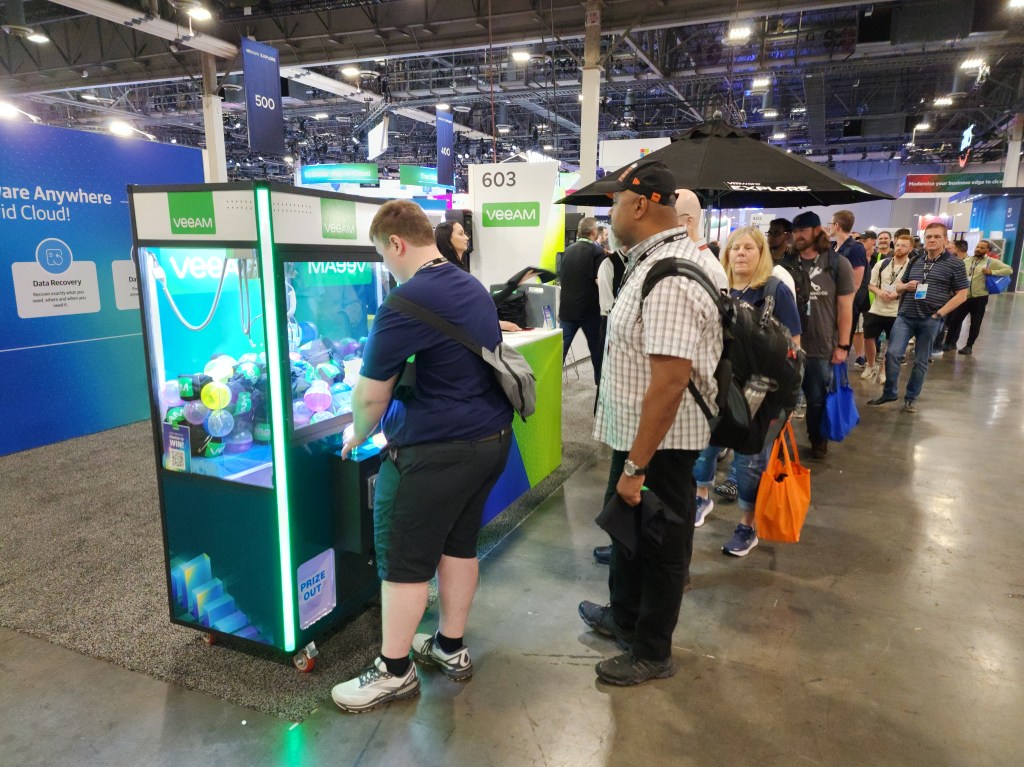
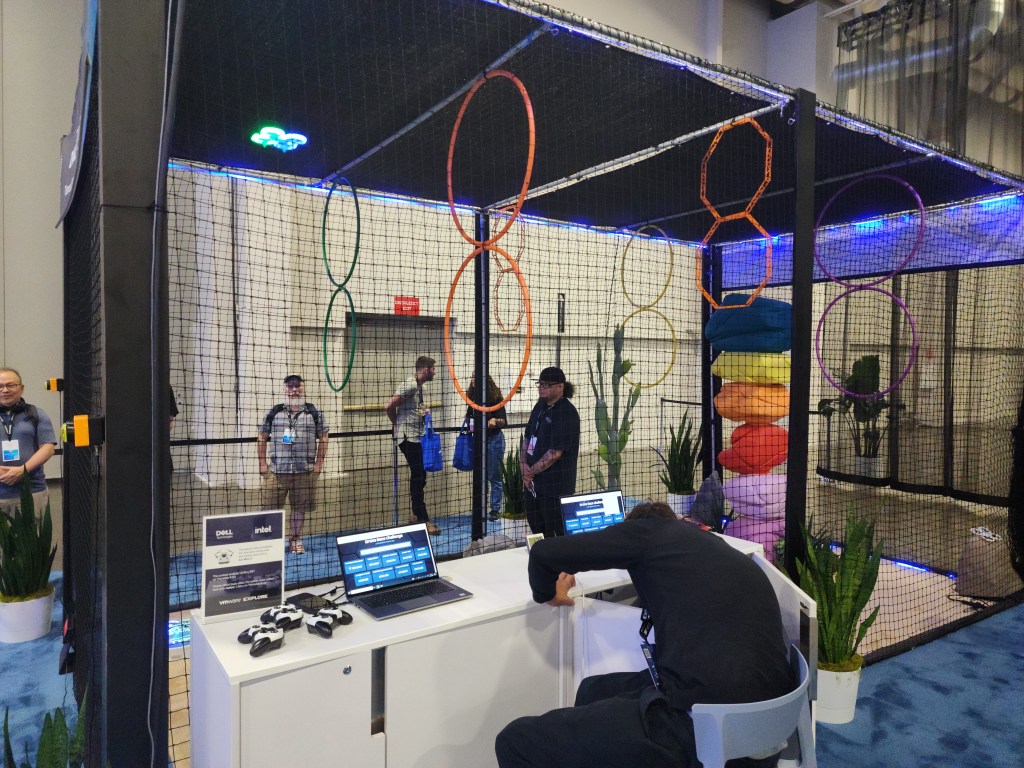
The expo area is always a favorite of mine. It was nice to have a lot of seating and gaming options around and in the expo. Though, many vendor booths were a bit scaled back compared to last year. I hope vendors see how great this year’s event was and will be able to increase their event budgets next year. There were a lot of nice giveaways for watching a short presentation, such as Nintendo Switches from Tintri, Lego sets from IBM, and tablets from Lenovo. I also need to give a shout out to Cohesity as they always deliver for vExperts with a nice gift.

Be on the look out for more VMware Explore events this year as there’s more events this year than ever before with four more events. These events will be in Barcelona, Singapore, São Paulo, and Tokyo. It will be exciting to see what information VMware will announce at these events. I am also excited to see the US side will be back at The Venetian in Vegas next year.

Storage Announcements at VMware Explore 2023 Las Vegas

There’s a lot to unpack with all of the storage related announcements at VMware Explore. You can easily tell why vSAN still has the lion’s share in the HCI space at 40% of the market. With announcements like vSAN ESA last year, it’s no surprise VMware is on top. Now there’s further advancements in the newly announced vSAN 8 Update 2 and the announcement of vSAN Max.

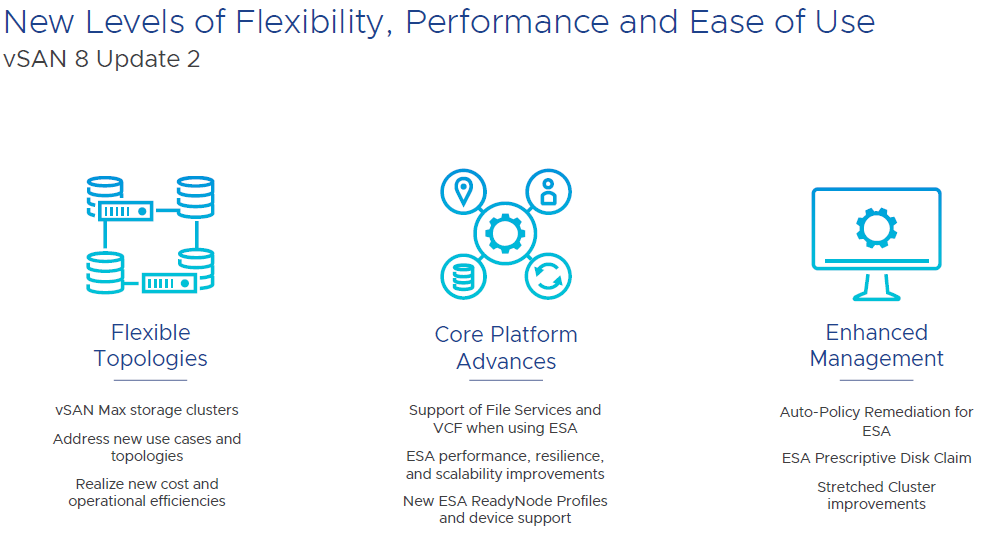
Let’s dig into the flexibility side. vSAN Max is disaggregated storage, which means that you can have a cluster with only compute hosts access vSAN storage from a dedicated storage cluster. This isn’t something hobbled together with iSCSI or NFS. This is an all native vSAN stack. For example, you can have a regular vSAN cluster purely on blades without drives and then the storage comes from a vSAN Max cluster. Could have this similarly before, but this is now optimized. Now up to 200% higher write throughput and up to 70% reduction in latency. vSAN Max makes it easier to add more storage by simply adding a new storage host. vSAN Max can be used in a stretched cluster on the storage and compute side.

Deploying a vSAN cluster will now give three options; vSAN HCI, vSAN Compute Cluster, and vSAN Max. Then you can select if a stretched cluster or not. On the compute cluster side, just a couple of selections needed and then can mount the remote datastore. You can check out the performance for vSAN Max and connected clusters on one dashboard. There is no support for in place upgrades from all existing vSAN editions and those existing licenses cannot be used for vSAN Max. It will use a new per-TiB licensing model.

Now let’s switch gears to core platform advances. There is now feature parity with with vSAN file services in ESA and OSA. That means file services, such as NFS and SMB, are available in ESA. Also, ESA is now supported in VCF 5.1 along with vSAN Max.

There have been a lot of performance improvements with ESA. Users should expect higher throughput and lower latency on write intensive workloads. DBAs will love this.

ESA can now support up to 500 VMs per host. That’s a big jump from the previous limit of 200 VMs. This is great news for VDI clusters.

ESA can now support much lower specs for a ReadyNode. This is as low as 16 cores, 128GB of memory, 10 GB network, and 3.2TB of storage per host. You will still get the benefit of the new snapshots, smaller failure domains, and improved efficiency to drive down costs. This should make ESA more appealing in small deployments.

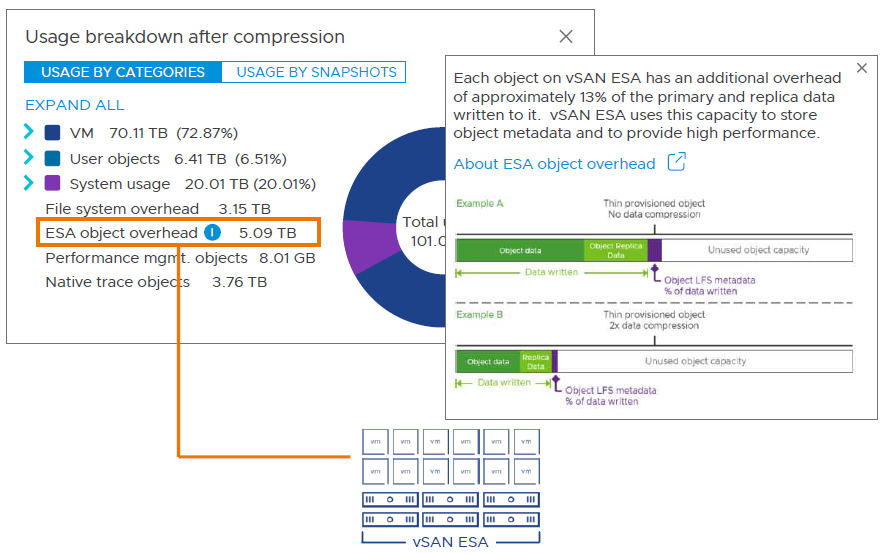
I will now wrap up with enhanced management. It’s now more straightforward to view capacity overheads in the UI. There’s now support for the key expiration standard with a KMIP based v1.2 KMS. The key expiration attribute is for OSA and ESA. It’s integrated with Skyline Health so you will find the warnings in that area. Now there are more options for recommendations on troubleshooting an issue. For example, there will be a default option and an alternative. If you have a finding, there is improved information on the risk of not remediating. It accounts for the specific version of vSAN that you are running. Also, you can now manage the lifecycle of all types of witness appliances in vLCM. These are improvements available in OSA and ESA.

There are also other improvements and features that I didn’t mention in this article so be sure to check out everything in VMware’s release notes. Put this all together and it’s a straightforward decision to go with ESA on new deployments with all of the new features and enhancements, but makes sense to keep using OSA if using legacy hardware. I am looking forward to implementing ESA.

VMware vSAN 6.7 Specialist 2019 Exam Preparation and Experience

I recently passed the VMware vSAN 6.7 Specialist 2019 Exam (5V0-21.19) with a scare of 440. Despite the exam’s name, I earned the VMware Specialist – vSAN 2021 badge. Fortunately, VMware is now keeping up with the names of the badges and certifications by matching it with the calendar year, even if the test wasn’t yet updated. This is a nice change because I previously took the vSAN specialist exam in 2019 and earned the 2017 badge, which immediately looked out of date.

The exam was very straight forward. A lot of it is what engineers do on a weekly or monthly basis for many of the exam objectives. I had more than enough time to finish the exam. I don’t think there was any surprises so I recommend to know the exam objectives inside and out. Some exam objectives are not deep so don’t think too much into them. For example, objective 7.5, describe the effect of maintenance mode options; only need to know the three maintenance mode options and what they do. Though, there are some questions that were not worded the best, but that shouldn’t make it or break it for anyone.

The exam is based on vSphere 6.7 and vSAN 6.7 U1. Keep that in mind as there was a lot of changes in newer versions, especially in 6.7 U3. You are probably running a newer version at work and VMware’s HOL are no longer running the exam version of vSAN from what I saw. Though, VMware still has the lab manual for their retired vSAN 6.7 HOL. I found a lot of good information and screenshots in there.

There are only two requirements for achieving the vSAN 2021 badge; pass the 5V0-21.19 exam and have one of the pre-requisite certifications. The badge page says it needs to be a current VCP. However, there are many other certifications that also count, such as VCAP and VCDX certifications. Check out your certification manager on VMware Learn and you can see more details on what’s covered. Also, I wrote about this in a previous article about the vSAN 2017 Specialist badge.

Inaccurate Statistic in vSphere Flash Client

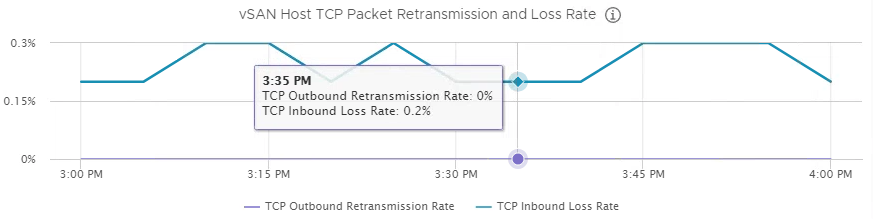
I mostly use the vSphere Flash client and was monitoring my vSAN performance with it. I noticed TCP inbound loss rate was ranging from 1-10% on the vSAN host TCP packet retransmission and loss rate graph. My VMs did not seem to be impacted. Also, there is bound to be some loss with TCP. However, this number seemed high to me.

I had a case open with VMware GSS and they could not figure out what was the underlining issue. They blamed my Cisco UCS servers. Cisco didn’t have any ideas. Nothing seemed wrong with my physical switches.

Then one day I used the HTML5 client and looked at the same graph. The numbers were much lower. I went back to the Flash client and the numbers were high. I followed the graphs over multiple time periods, on every host, and noticed the numbers were always off by a factor of ten. See the two screenshots below. You can see the flow of the line graph is the same, but with the y axis on a different scale. Also, every exact time I hover over is always off by a factor of ten.

I have a cluster on VMware Cloud on AWS. That of course is using vSAN so I decided to check it out. Same exact problem! Therefore, it has nothing to do with my on-prem configuration or version. I reported the issue to VMware and didn’t seem like they will do anything about it. After all, the Flash client will be deprecated in the next major release of vSphere. Though, still frustrating that I chased what I thought was a problem for a while and it turned out to be a bug with the graph. I hope no one else falls for this too.

Flash Client (Flex)
Flash_vSAN_TCP

HTML5 Client
HTML5_vSAN_TCP

vSAN Deployment Issues with Cluster Quickstart

I ran into some gotchas when deploying a vSAN 6.7 U1 cluster. The cluster quickstart should save time when deploying a vSAN cluster. However, there are a couple steps to take to avoid issues.

Do not use the vSphere Flash client for any step on the deployment. Only use the vSphere HTML5 client. There are odd issues that can occur. For example, I created the cluster in the Flash client. I then wanted to run quickstart in the HTML5 client. However, the options were grayed out under cluster basics so I could not select anything or go to add hosts. I deleted the cluster and created it in the HTML5 client. Then quickstart worked fine. I later had another new deployment. I tried out the same scenario and had the same problem.

quickstart1

Quickstart has the option of creating a vDS. The vDS will be created at version 6.5. There is no option to select a specific version of the vDS when deployed through quickstart. This is fine depending on the other versions of vDSs in your environment and if maintaining vMotion compatibility is a requirement.  For example, if another cluster has a vDS on version 6.0, then VMs in that cluster cannot be live migrated to the vSAN cluster on vDS version 6.5 since different vDS versions. Only option is to power off the VM to allow it to be migrated. To get around this, create a vDS on version 6.0 before starting quickstart. Then select the option to ‘USE EXISTING’ on the distributed switches section of quickstart.

quickstart2

Quickstart is definitely very useful and can save a lot of time if not hitting these gotchas. The ability to auto-fill sequential IP addresses for management and vMotion, and ESXi root login credentials are convenient. Hopefully, fault tolerance will eventually be added to quickstart. Also, having a guided workflow makes the vSAN deployment relativity easy.

VMware vSAN 2017 Specialist Badge

vmware-vsan-2017-specialist

I recently earned the VMware vSAN 2017 Specialist Badge. Despite the name, I did in fact pass the exam in 2019 with a score of 411. This is the latest version of the exam. I do not like how VMware is naming the exams after the year the exam was released. Makes sense for Microsoft to put a year in the exam title because the version of their software obviously has the year in it. I hope VMware goes back to naming the exams after the version of the product.

The latest version of vSAN is 6.7 U2, but the exam objectives are based on vSAN 6.6. The exam was fairly easy so I guess that is why it is for a badge and not a certification. The exam didn’t really have any surprises. It closely followed the exam objectives. I recommend to review the material in the two links below and know it very well. I had plenty of time to finish the exam.

https://xiaoxiaoke.wordpress.com/2016/02/20/how-to-understand-and-calculate-space-requirements-for-raid-1-with-vsan/

https://docs.vmware.com/en/VMware-vSphere/6.5/com.vmware.vsphere.virtualsan.doc/GUID-3863B640-3449-46A2-84E0-AC07E5A604FD.html

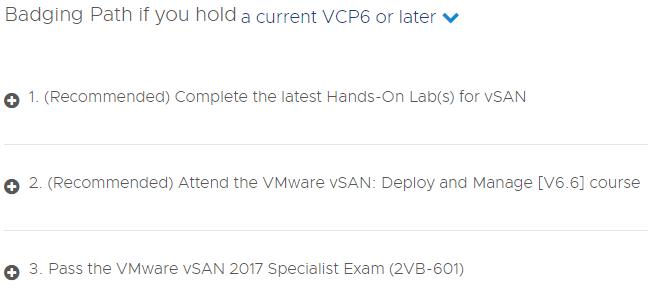
As you can see from the image below, the badge path is for VCP6 holders. The drop down also has expired VCP and no VCP. My VCP is active, but on 5.5. I have kept it active with taking VCAP exams during the past few years. Then it would have become active anyway since VMware changed their rules for certification expiration.

vSANSpecialistRequirements2

Anyway, there are actually many more certifications that meet the requirements for this badge. The screen shot below, from VMware’s certification manager, shows a long list that has VCAP 6, VCDX 6, and newer VCP exams. I earned the badge since I previously passed the VCAP6-DCV Design exam. I am not sure why it says vRealize Operations 2017 for 1.2. I am guessing it’s a mistake and should list the vSAN exam.

vSANSpecialistRequirements