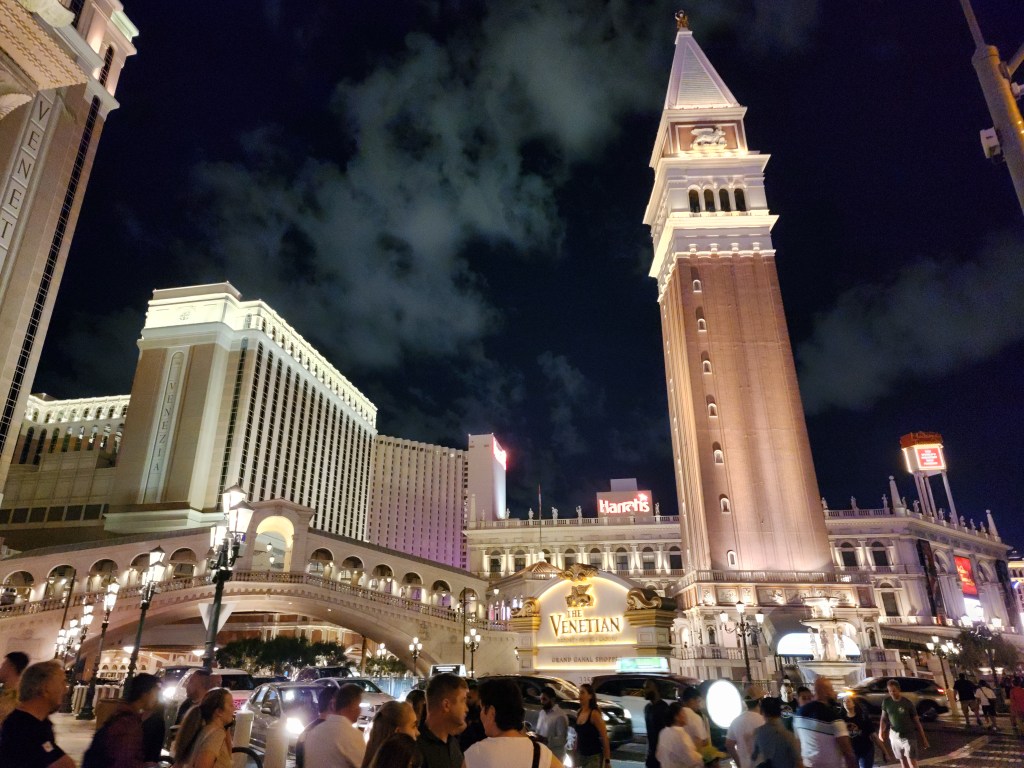
Thousands of people will be gathering at The Venetian in only a little over a month for VMware Explore Las Vegas 2024. Sessions can now be added to your schedule. Take care of this now before popular sessions fill up. If you are not able to attend Explore or miss a session while being there, you will be able to stream them after the event.
The content catalog has over 500 sessions. There are typically more sessions if you have a TAM added to your Explore registration profile, but I am not sure sure about this year. Sessions start on Monday morning with the general session on Tuesday. The types of sessions vary in format, such presentations, meet the expert, and hands on labs. Below is a list of sessions that are on my radar. I mostly enjoy going to more practical sessions that will teach me something that I can bring back to my job to make an impact.
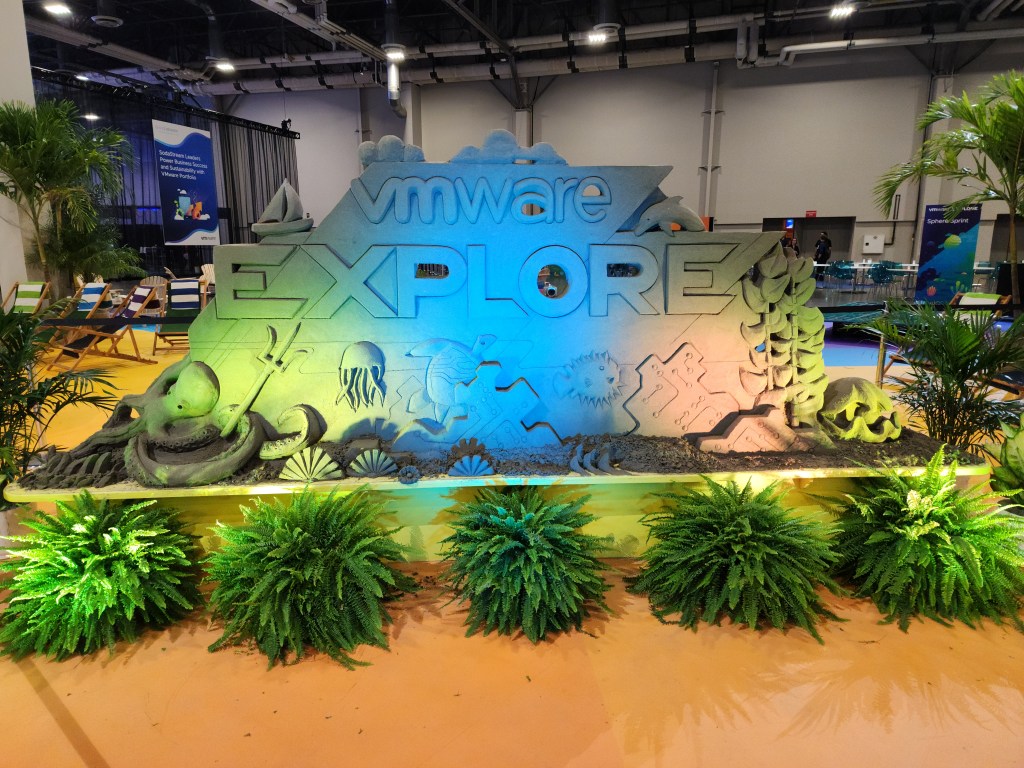
It was great for VMware Explore 2023 to be back in Las Vegas. I am sure attendance was higher than last year, but still not as many as before the pandemic. It’s definitely on the right track for continuing to grow. The Venetian is an amazing venue. It was nice not having to walk across a city block to attend sessions as it was with the Moscone Center. Though, I still, somehow, ended up with about the same amount of steps as last year. I really like everything with the Explore theme and I thought it was more embraced this year.
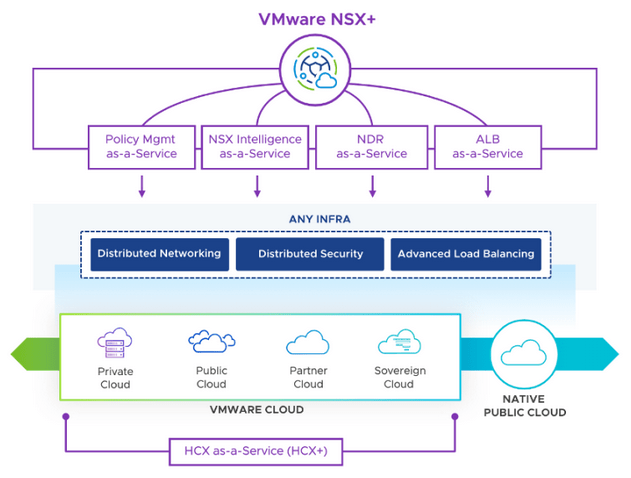
I have an article about vSphere announcements and vSAN announcements so I will focus on other areas in this article. As expected, AI was the main topic during the general session. I was impressed with VMware’s announcement of VMware Private AI. It makes a lot of sense to be able to have a platform to utilize AI, but without giving up your privacy. Many companies are not adapting quickly to AI because they see it as a security risk. You could be essentially giving up your data if you don’t own and control the AI model. With Private AI, that will not be an issue. Another announcement was VMware NSX+, which is another addition that makes sense. Customers can have one cloud console to manage NSX for both on-prem and cloud. That means consistent policies and management in one interface to keep VMware environments uniform.
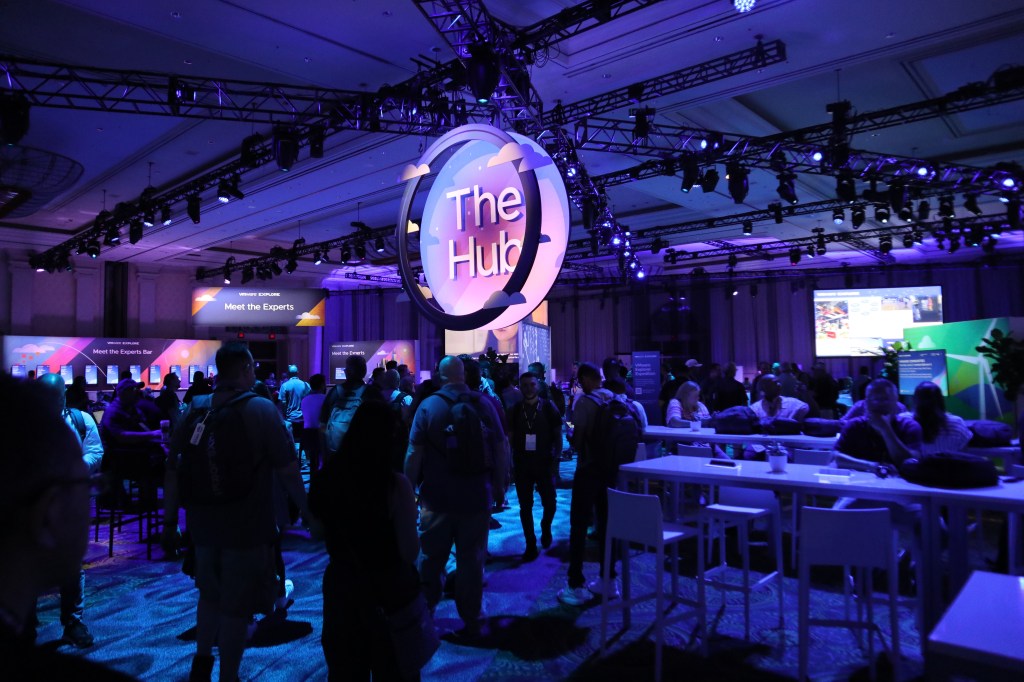
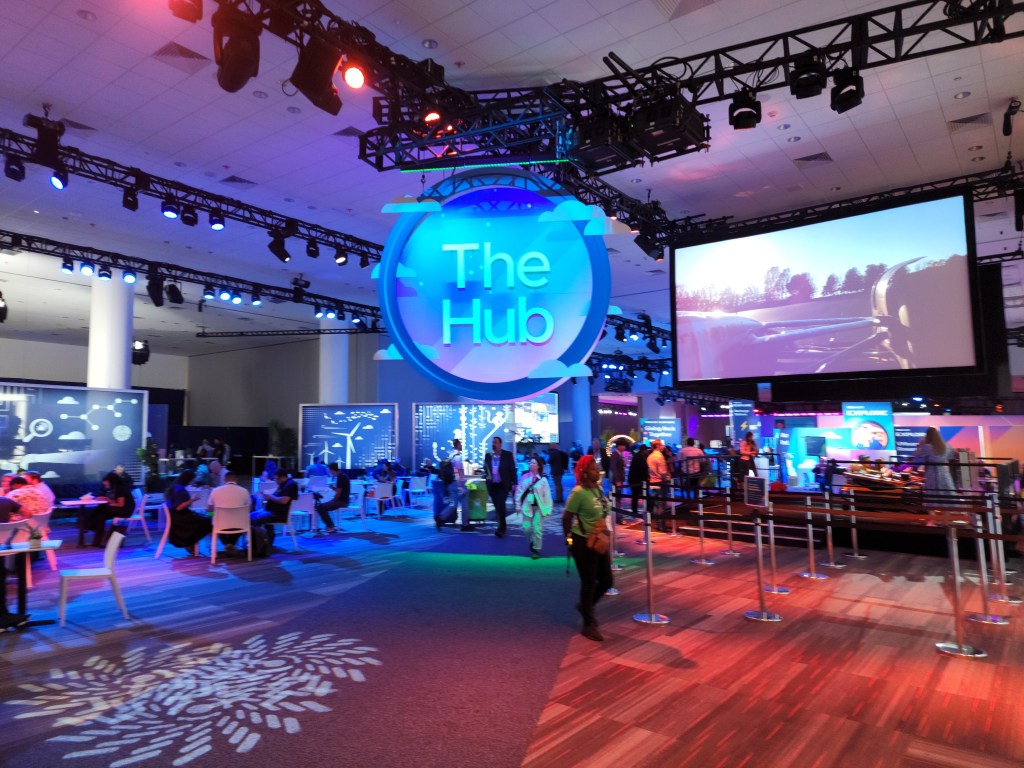
The Hub had the best setup this year. Everything community related was in one big room. It felt too disjointed in past years. VMTN, Virtually Speaking Podcast, VMware Rewards, and a few other groups all had a setup in The Hub, and it was close to the expo.
The food was not as good as last year. Two days out of four days for lunch was sandwiches and salads. Vegas has great food so no one wants multiple days of sandwiches. I hope VMware can step it up next year.
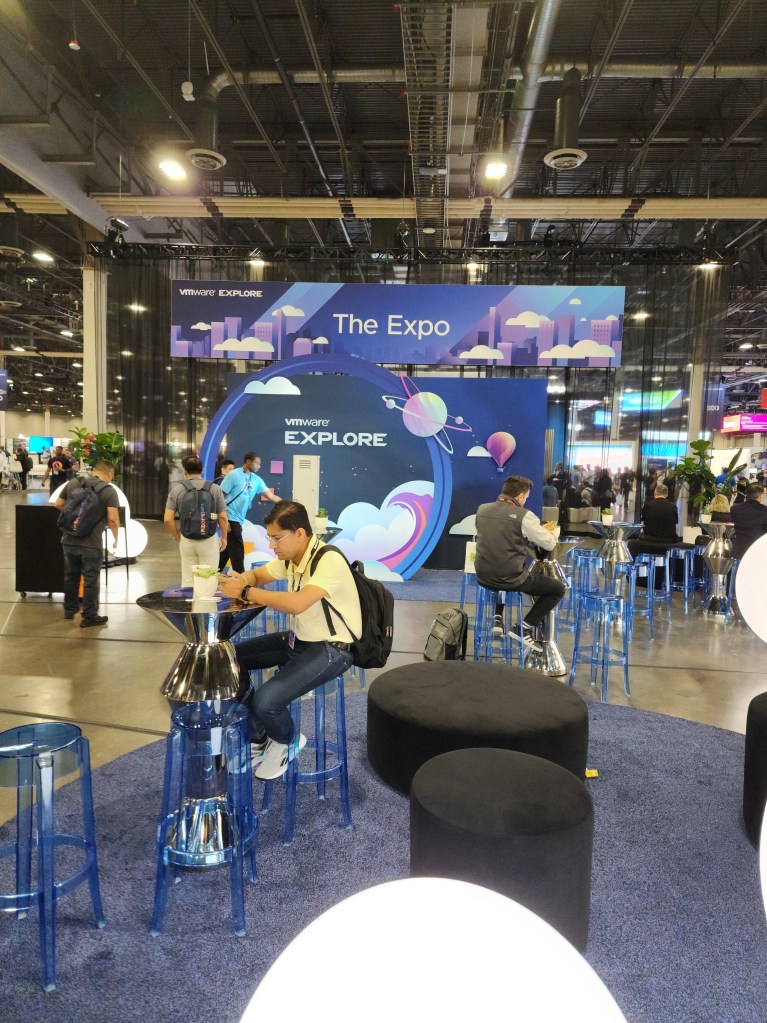
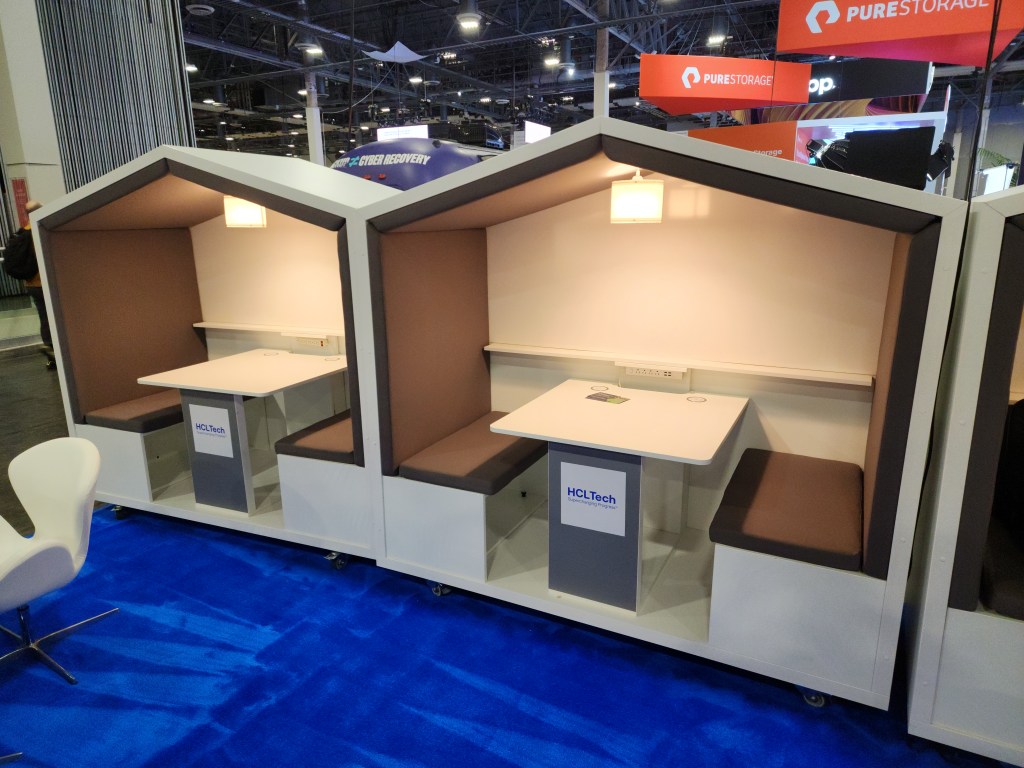
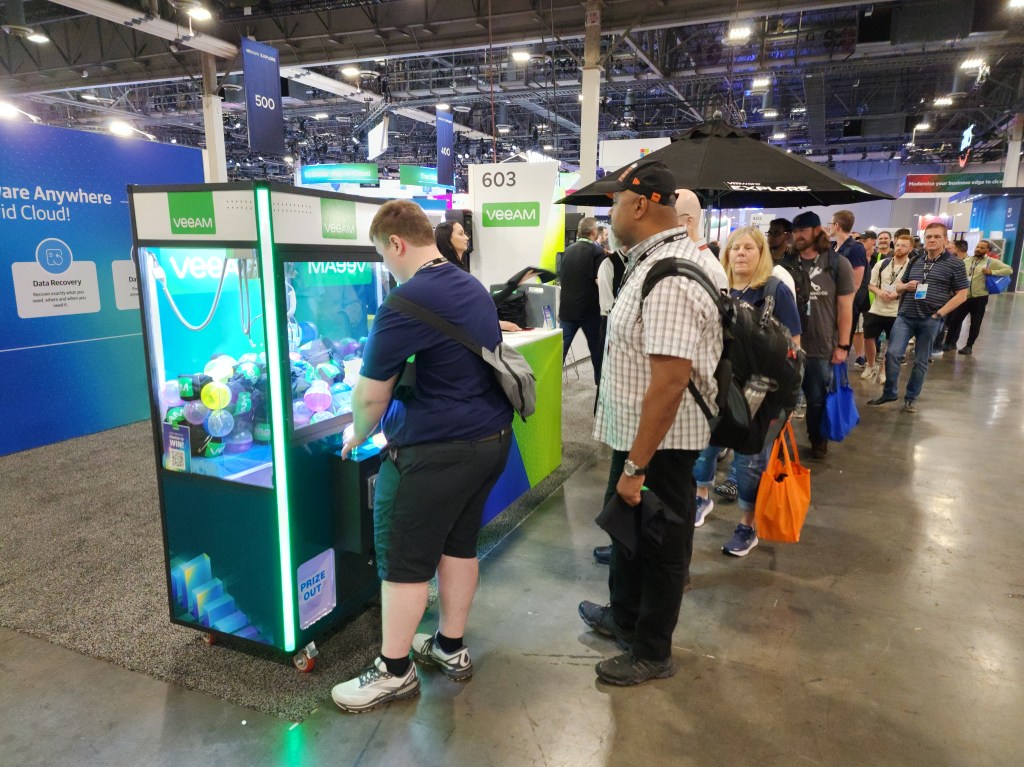
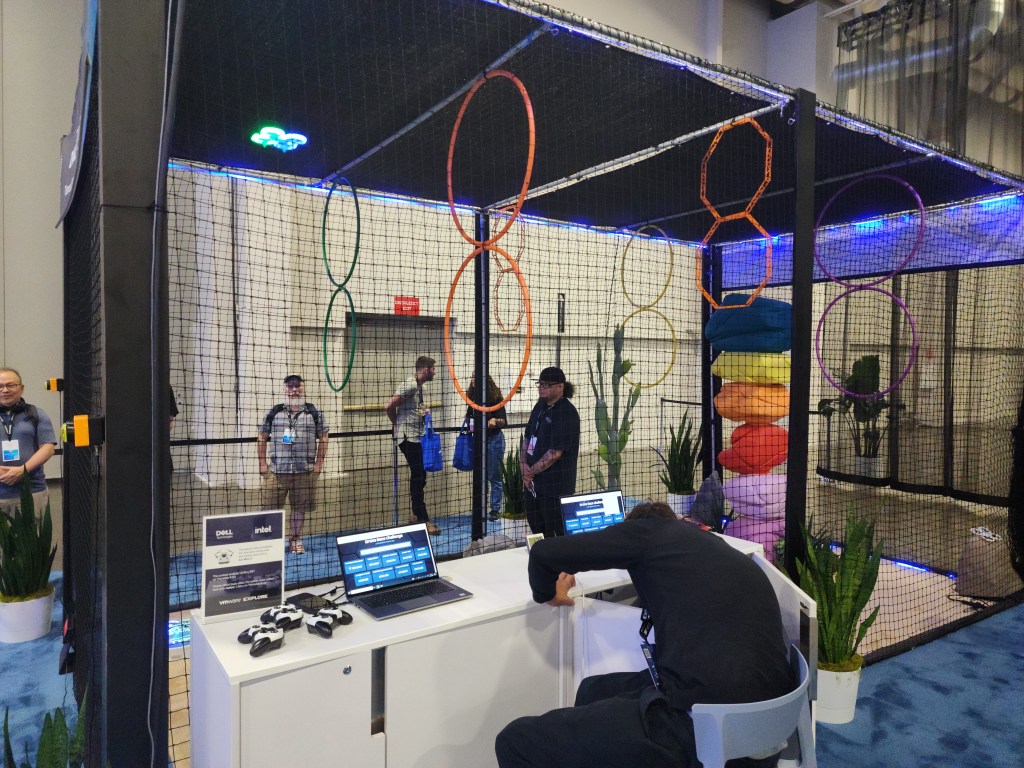
The expo area is always a favorite of mine. It was nice to have a lot of seating and gaming options around and in the expo. Though, many vendor booths were a bit scaled back compared to last year. I hope vendors see how great this year’s event was and will be able to increase their event budgets next year. There were a lot of nice giveaways for watching a short presentation, such as Nintendo Switches from Tintri, Lego sets from IBM, and tablets from Lenovo. I also need to give a shout out to Cohesity as they always deliver for vExperts with a nice gift.
Be on the look out for more VMware Explore events this year as there’s more events this year than ever before with four more events. These events will be in Barcelona, Singapore, São Paulo, and Tokyo. It will be exciting to see what information VMware will announce at these events. I am also excited to see the US side will be back at The Venetian in Vegas next year.
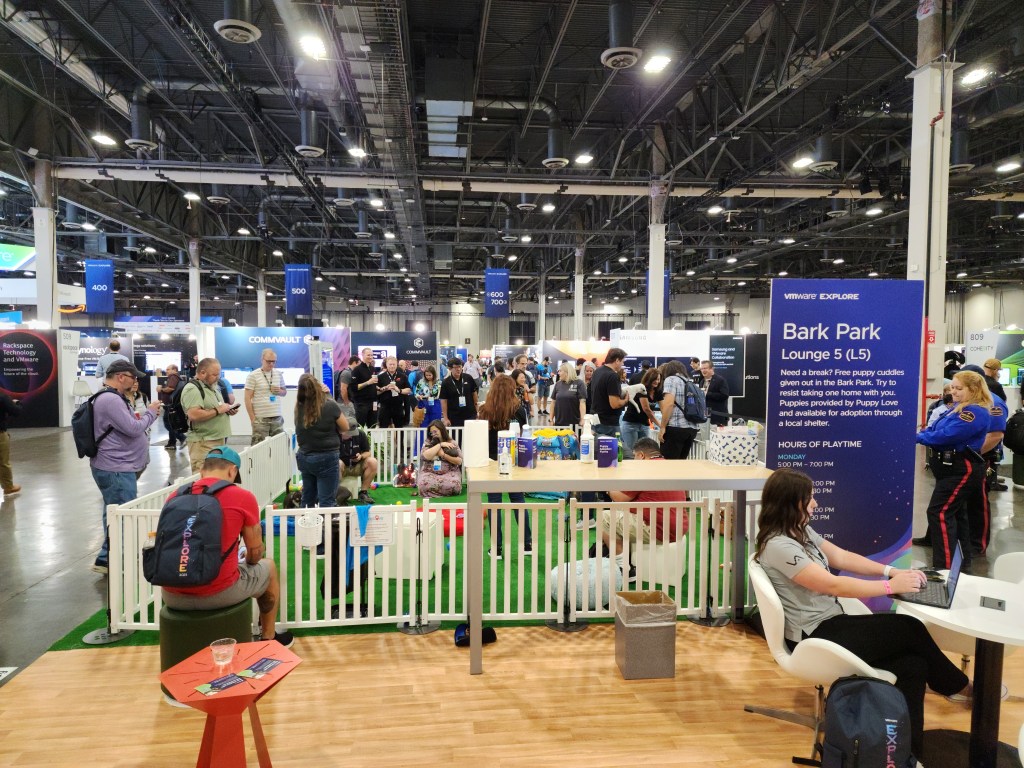
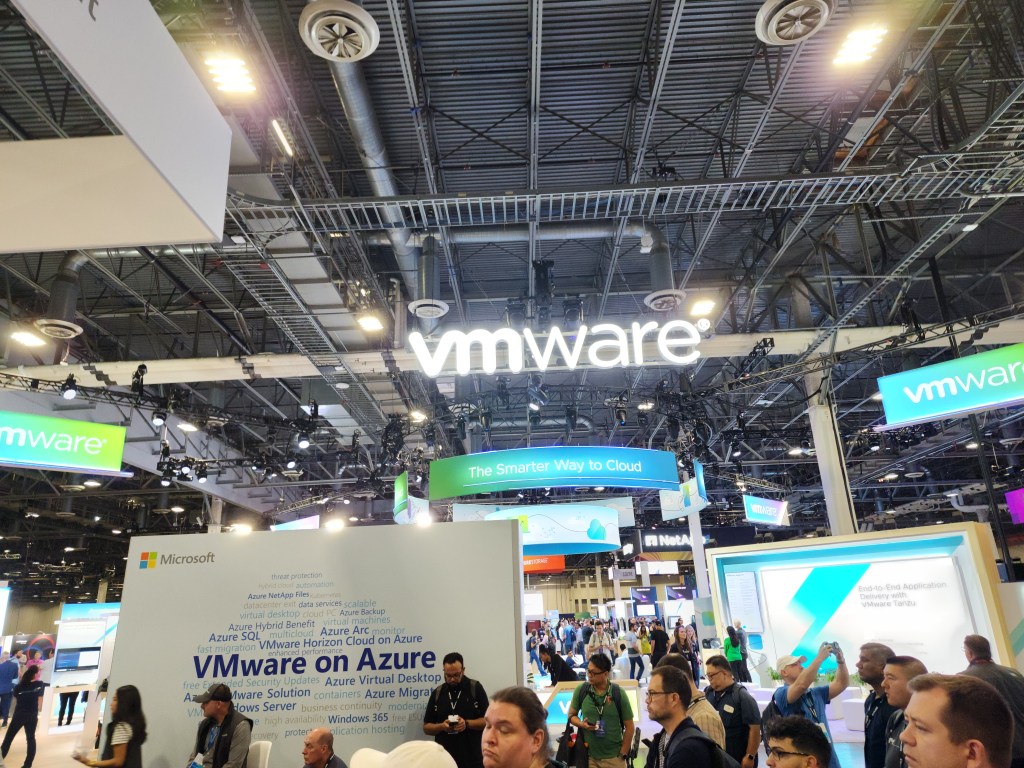
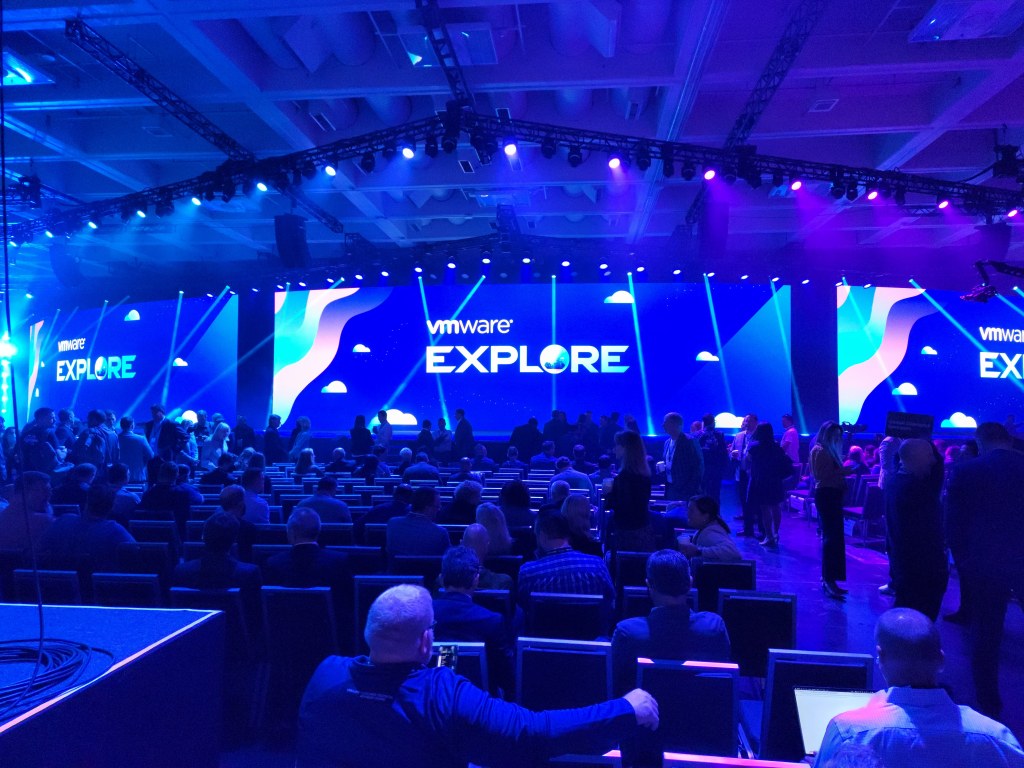
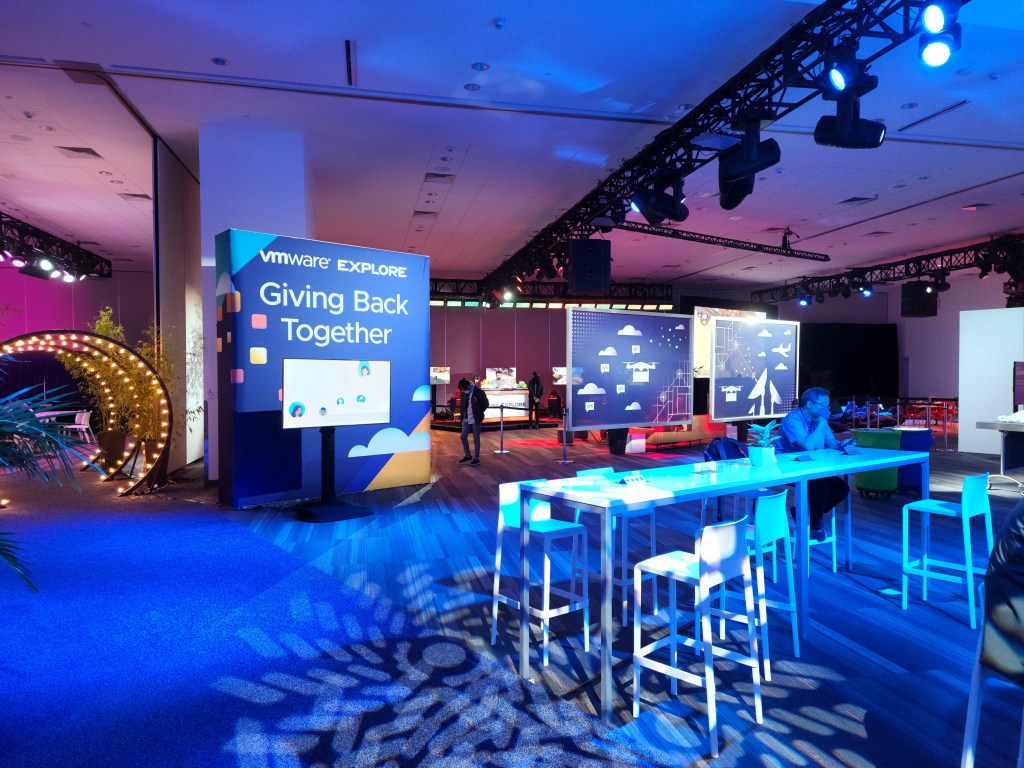
The VenetianMain stageThe ExpoThe Expo lobby sittingThe ExpoPuppiesVMware’s boothSitting area in expoVeeam’s boothDell’s drone racingOne of two Rubrik boothsLeland Melvin – NASA AstronautThe Hub
VMware has a lot of vSphere related announcements for their next big update, which is vSphere 8 Update 2. It is scheduled to be released Q3 2023 so that’s just around the corner. Core product announcements are usually my favorite because they touch the daily work for all VMware admins.
I know we all want to keep our vCenters running the latest version, but it can be tough to coordinate downtime with 7+ patches every year. It can easily take one hour for each upgrade in a medium sized environment. Keep in mind that the following doesn’t apply to vCenters in ELM and HA at the moment. Now there’s reduced downtime for upgrades of vCenter. It will only be down for about 5 minutes! This is accomplished due to the following. A new vCenter server is deployed with a temporary IP address, even for a minor patch. Data is copied from the old to new vCenter. Then the short downtime occurs when switching over and starting up services. On top of that, there’s an automatic LVM snapshot taken during patching, which can be resumed on a failure or rolled back. Being able to resume is nice because sometimes a upgrade fails for a very minor reason and need to start over. Now can fix it and resume the upgrade.
Renewing or replacing certificates has never been fun, but there’s been improvements over the past few years. Now there’s a new enhancement that everyone will appreciate. vCenter certs can now be renewed or replaced without restarting services so no downtime.
This next enhancement is useful if stuck in a bad situation with your vDS not being synced up with all hosts. This can happen when a backup is taken, a vDS change occurs, and then a restore. You will no longer have vDS inconsistencies when restoring from a backup. vDS changes will be pushed from cluster(s) to vCenter. This is also supported with a vDS using NSX.
At a previous job, I have had Microsoft engineers not thrilled with no vCenter identity provider federation support with Entra ID. By the way, Microsoft recently changed Azure AD to now be called Entra ID. Now Entra ID is supported and all existing identity providers are still available. There’s another great addition on the Microsoft side. Adding an AD OU path is an option when going through the VM customization wizard. No more computer objects going to the computers container or automation needed outside of the wizard to do this.
I think we have all been in a situation where a backup or something has a lock on a VMDK. Then it’s a pain to track it down via CLI and logs. Now there is a detailed error message when a file is locked with the IP address and MAC of the host holding the file lock.
With AI and ML getting bigger and bigger, GPUs need to have better features at the hypervisor level. There have always been many caveats with a VM having a vGPU enabled. Now there has been further improvements with placement for vGPU enabled VMs. DRS now makes better deployment decisions with an initial placement of a VM. Also, vGPU enabled VMs are automatically migrated when needed to accommodate for larger VMs. There’s one other addition that I think is cool for vGPU enabled VMs. No more guessing how much time a user will be affected with a vMotion. You can now view a stun time estimate in edit settings of a VM.
Whenever there’s a big update, you can expect a new VM hardware version to be released. Now up to version 21.
Those are the features and improvements that I am looking forward to most in vSphere 8 Update 2, but wait, there’s more. There are many other advancements, such on the DevOps side. Give it a try on a VMware Hands-on Lab and check out VMware’s documentation for further details.
There’s a lot to unpack with all of the storage related announcements at VMware Explore. You can easily tell why vSAN still has the lion’s share in the HCI space at 40% of the market. With announcements like vSAN ESA last year, it’s no surprise VMware is on top. Now there’s further advancements in the newly announced vSAN 8 Update 2 and the announcement of vSAN Max.
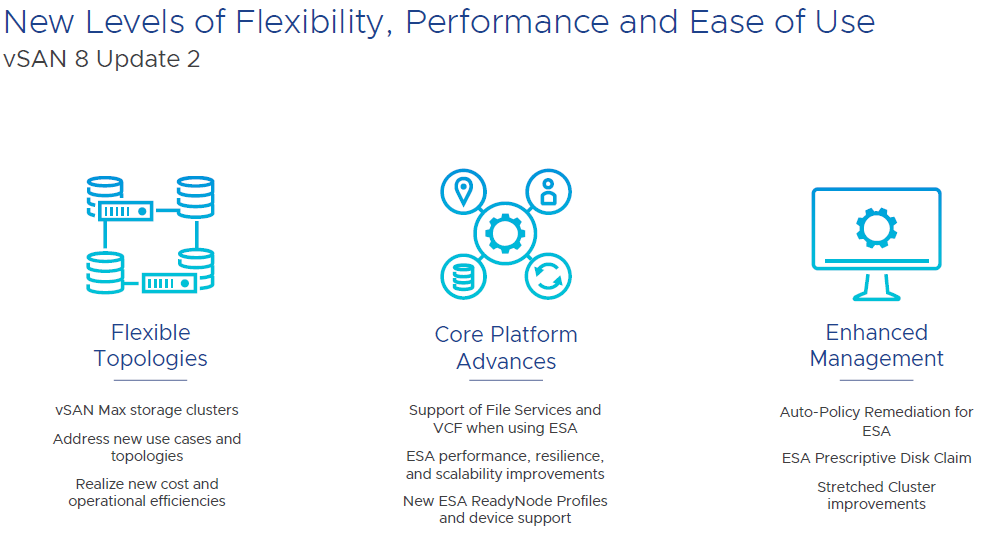
Let’s dig into the flexibility side. vSAN Max is disaggregated storage, which means that you can have a cluster with only compute hosts access vSAN storage from a dedicated storage cluster. This isn’t something hobbled together with iSCSI or NFS. This is an all native vSAN stack. For example, you can have a regular vSAN cluster purely on blades without drives and then the storage comes from a vSAN Max cluster. Could have this similarly before, but this is now optimized. Now up to 200% higher write throughput and up to 70% reduction in latency. vSAN Max makes it easier to add more storage by simply adding a new storage host. vSAN Max can be used in a stretched cluster on the storage and compute side.
Deploying a vSAN cluster will now give three options; vSAN HCI, vSAN Compute Cluster, and vSAN Max. Then you can select if a stretched cluster or not. On the compute cluster side, just a couple of selections needed and then can mount the remote datastore. You can check out the performance for vSAN Max and connected clusters on one dashboard. There is no support for in place upgrades from all existing vSAN editions and those existing licenses cannot be used for vSAN Max. It will use a new per-TiB licensing model.
Now let’s switch gears to core platform advances. There is now feature parity with with vSAN file services in ESA and OSA. That means file services, such as NFS and SMB, are available in ESA. Also, ESA is now supported in VCF 5.1 along with vSAN Max.
There have been a lot of performance improvements with ESA. Users should expect higher throughput and lower latency on write intensive workloads. DBAs will love this.
ESA can now support up to 500 VMs per host. That’s a big jump from the previous limit of 200 VMs. This is great news for VDI clusters.
ESA can now support much lower specs for a ReadyNode. This is as low as 16 cores, 128GB of memory, 10 GB network, and 3.2TB of storage per host. You will still get the benefit of the new snapshots, smaller failure domains, and improved efficiency to drive down costs. This should make ESA more appealing in small deployments.
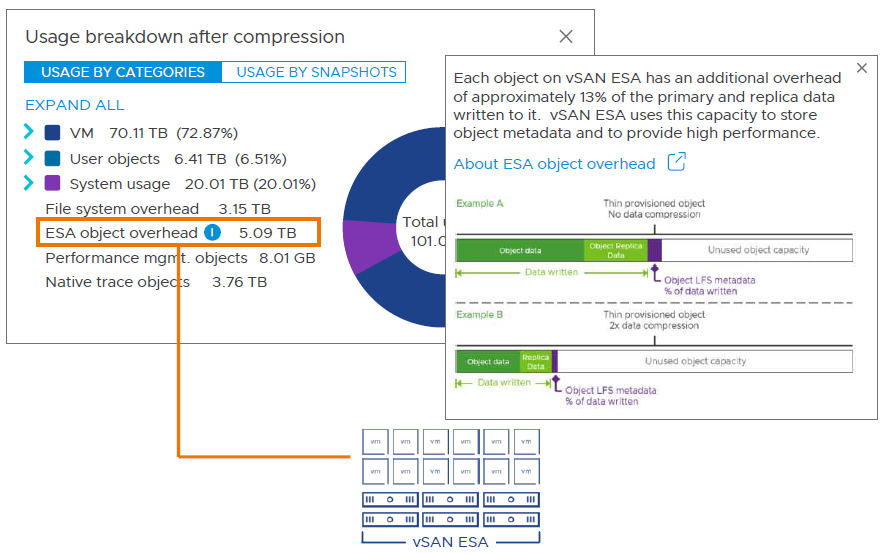
I will now wrap up with enhanced management. It’s now more straightforward to view capacity overheads in the UI. There’s now support for the key expiration standard with a KMIP based v1.2 KMS. The key expiration attribute is for OSA and ESA. It’s integrated with Skyline Health so you will find the warnings in that area. Now there are more options for recommendations on troubleshooting an issue. For example, there will be a default option and an alternative. If you have a finding, there is improved information on the risk of not remediating. It accounts for the specific version of vSAN that you are running. Also, you can now manage the lifecycle of all types of witness appliances in vLCM. These are improvements available in OSA and ESA.
There are also other improvements and features that I didn’t mention in this article so be sure to check out everything in VMware’s release notes. Put this all together and it’s a straightforward decision to go with ESA on new deployments with all of the new features and enhancements, but makes sense to keep using OSA if using legacy hardware. I am looking forward to implementing ESA.
VMware Explore 2023 Las Vegas is only a couple of days away and I am excited! I will be arriving on Sunday night and staying a couple extra days for fun. I have put a lot of time into preparing for this trip and have some tips to share.
There’s a lot of giveaways. VMware has a long list of their prizes. Rubrik and Oracle are both doing headshots. ControlUp will have a daily raffle at 11:45a. Rackspace will be giving a way a prize for people that go through a VR tour of one of their data centers. There’s many more giveaways from other companies, but these stuck out the most to me.
I received some inside details about food during the event. The food was lame in 2019, but much better in 2022. This year looks even better. For breakfast there will be a continental option, quinoa oatmeal, and sandwiches. Lunch will have a hot buffet that includes chicken cacciatore, beef tenderloin, salads, and desserts. I am glad to see a buffet option back at an event and makes sense being Vegas. There’s also a boxed lunch option with a sandwich. Gluten free, vegetarian, kosher, and halal meals are available if you selected them during your registration.
I will be posting a couple of articles on some of VMware’s latest announcements during the event next week so please check back. I will also dust off my Twitter account and will tweet throughout the event.
We are only 2 months away from VMware Explore and I am pumped! Go register before the price goes up again. Looks like many people are excited the event is back in Las Vegas. Details about the event have been trickling in and I am sure more details will be released about the event very soon.
I will be arriving on Sunday to get settled down before the bulk of the event kicks off and pick up my badge. The broad agenda is the same from last year. With Monday having some smaller activities and the welcome reception. Then the general session on Tuesday kicks off the first full day. In other years, the event was one day longer. The hall crawl on Tuesday night and VMware’s big party on Wednesday. It will be exciting to see what they have in store for that one. The event ends on Thursday with a half day.
I always came away with a tremendous amount of new knowledge every time I went to VMworld or Explore. Yes, you can watch some of the sessions at home. However, there’s something electric in the air when you are there in person interacting with everyone. Also, there’s exclusive TAM sessions that are not recorded, meet the expert sessions, and networking in person is unmatched to any other media.
I came across a few parties so far. On the Monday, the Elevate Technology User Group (formerly named the CONVERGED User Group) is having a party at Yardbird. All are welcome to register and attend. I went to their party last year and it was great. The VMUG party is on Tuesday at the Pinball Hall of Fame. I cannot yet find a website for registration for this event. Rubrik is having an event Tuesday night at the Wakuda Lounge. I will make another post later when I come across more parties and other details related to the event.
The Content Catalog currently has over 600 sessions. You can favorite them, but you cannot yet add them to your schedule or see when a session is occurring. Scheduling will open on July 11th. Make sure you do your homework ahead of time to be ready to schedule the sessions you’re interested in. Some sessions fill up quickly. Also, only a fraction of the stand by line could be accommodated during one of the sessions I was trying to get into last year so no guarantee if it’s not on your schedule.
I took a preliminarily look and added the following sessions to my favorites. I am sure more sessions will be added so I will update my list later or create another article on the topic. I am looking forward to see what VMware code sessions are being planned. They always have cool, interactive sessions, such as with Raspberry Pis or NUC like devices.
I was selected as a vExpert this year, which is my sixth year in a row. I need to step up my game to get ready for next year. I will get back to my roots with writing articles about issues I have faced.
VMware Explore was announced. It will be at the Venetian in Las Vegas on August 21-24 and then Barcelona on November 6-9. I am really looking forward to this year’s Explore. I think it’s going to blow up with being back in Las Vegas and with how COVID is nowadays. I really hope I can make it.
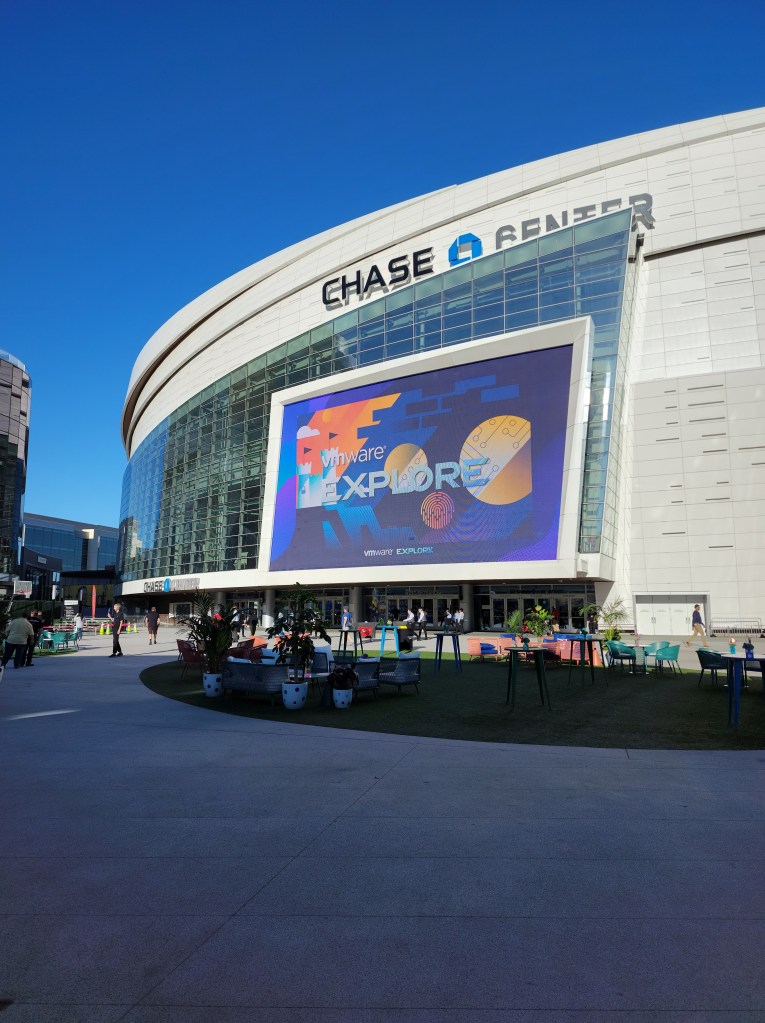
I had a blast at VMware Explore US. There was a lot to do in a few days, especially with the event being one day shorter compared to past events. Registration went smoothly and good that materials pickup was now located directly by registration. The welcome reception and hall crawl were fun. This allowed more time to be spent in the expo area. The official party was at the Chase Center with great food which was a huge step up for the venue and food compared to VMworld 2019. This was some of the fun parts and now let’s dive into the meat of the event.
vSphere 8 and vSAN 8 were announced. I was glad to see VMware’s core products had announcements on stage during the general session. It’s been years since this has happened. I will write another article that goes into these new product versions. VMware Aria was also announced on stage. The Aria family includes familiar names, such as CloudHealth, Operations, Log Insight, Network Insight, and Automation. This is more than a rebranding and will offer a unified platform for cloud management called Aria Hub. There are also new solutions with Aria: Guardrails, Migration, and Business Insights.
There were many informative sessions. I stuck to my plan that I did the previous event with attending TAM sessions, which are not recorded and under a NDA so I will note some other sessions. Ariel Sanchez delivered the best presentation I heard during the event. He covered upgrading from vSphere 6.7 to vSphere 7.0 U3 and it’s all detailed in a GitHub repository of his. Session ’10 New and Exciting Things About vSphere That You Absolutely Need to Know’ was scheduled right after the general session. Prior to the event I figured it had to be about announcements in regard to the next major version of vSphere and it was! This was the only session I ever attended that was completely full and had to deny people from entering. vSphere 8 is all about the DPUs (Data Processing Units), aka smart NICs, and referring to Project Monterey. There are a lot of sessions that I will be watching over the next few weeks as there was only so many that I could squeeze in during the event.
I attended a couple of the vRealize Hands-on Labs Expert-led Workshops and learned a lot from them. They quickly filled up registering a head of time, but both of my labs had open seats so worth stopping by if not registered for future reference. Keep in mind these labs are a bigger time commitment and can be done at home. Therefore, you have to make sure it’s something you really want to do at the event and come with questions to ask the experts leading the lab. Computers are provided for these labs. The Hands on Lab course numbers are displayed on the content catalog so you can look them up after the event.
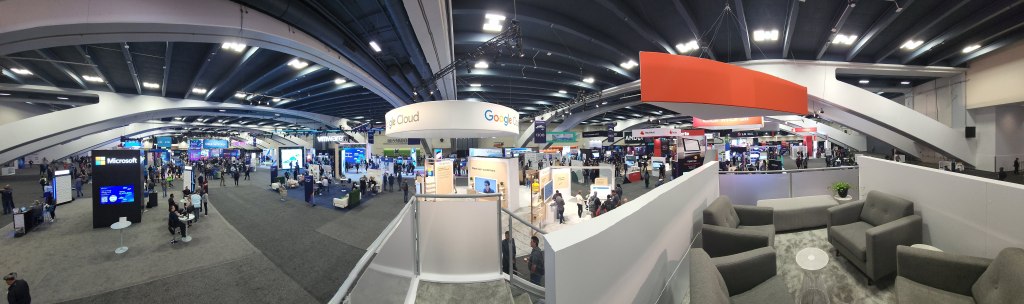
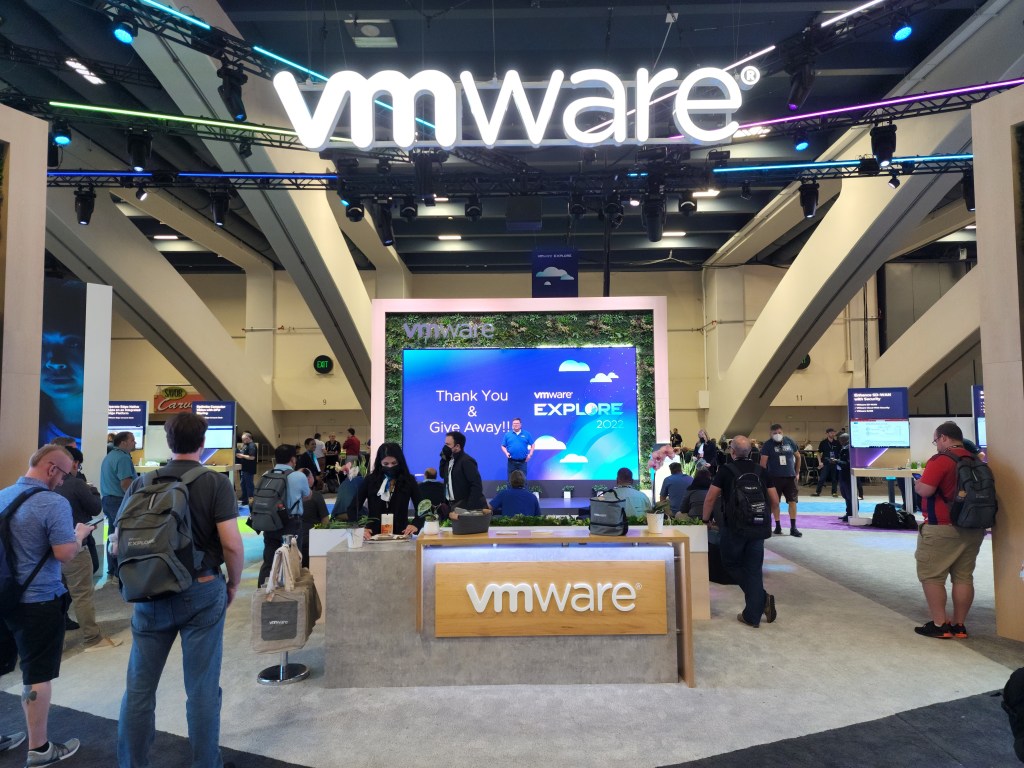
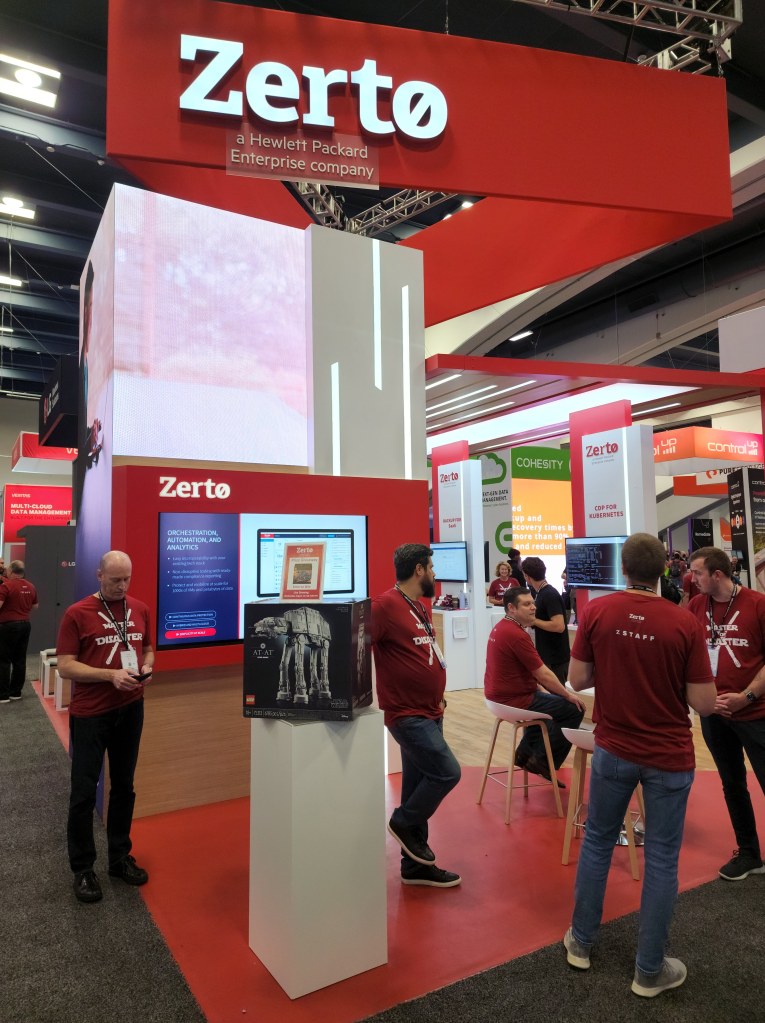
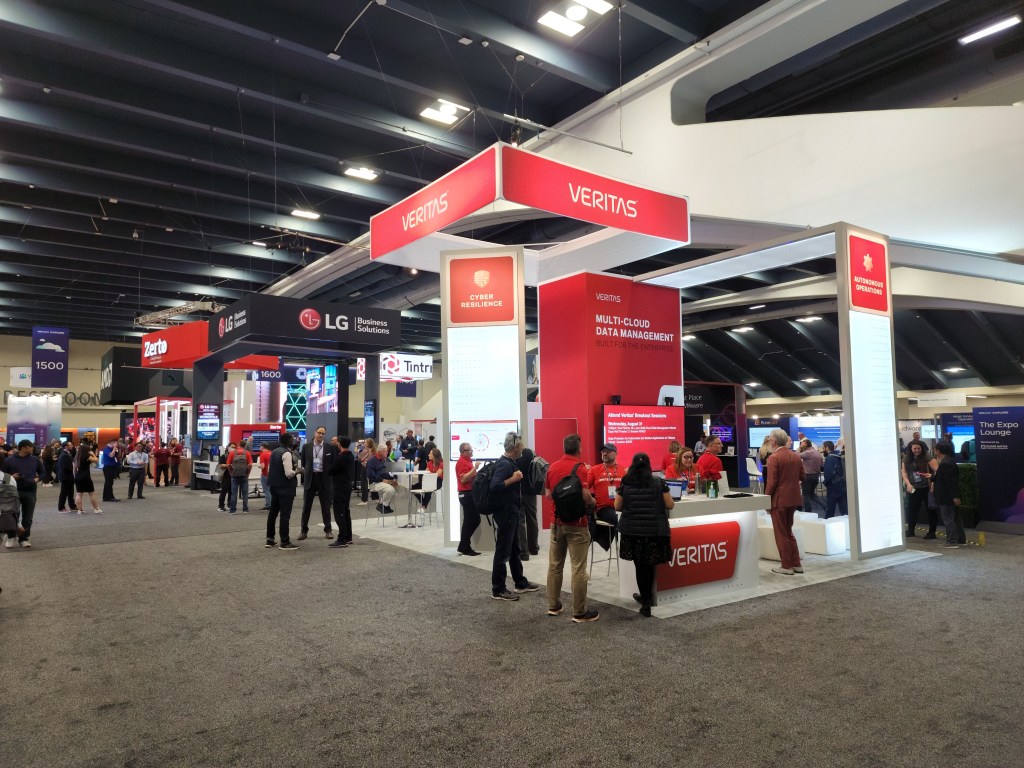
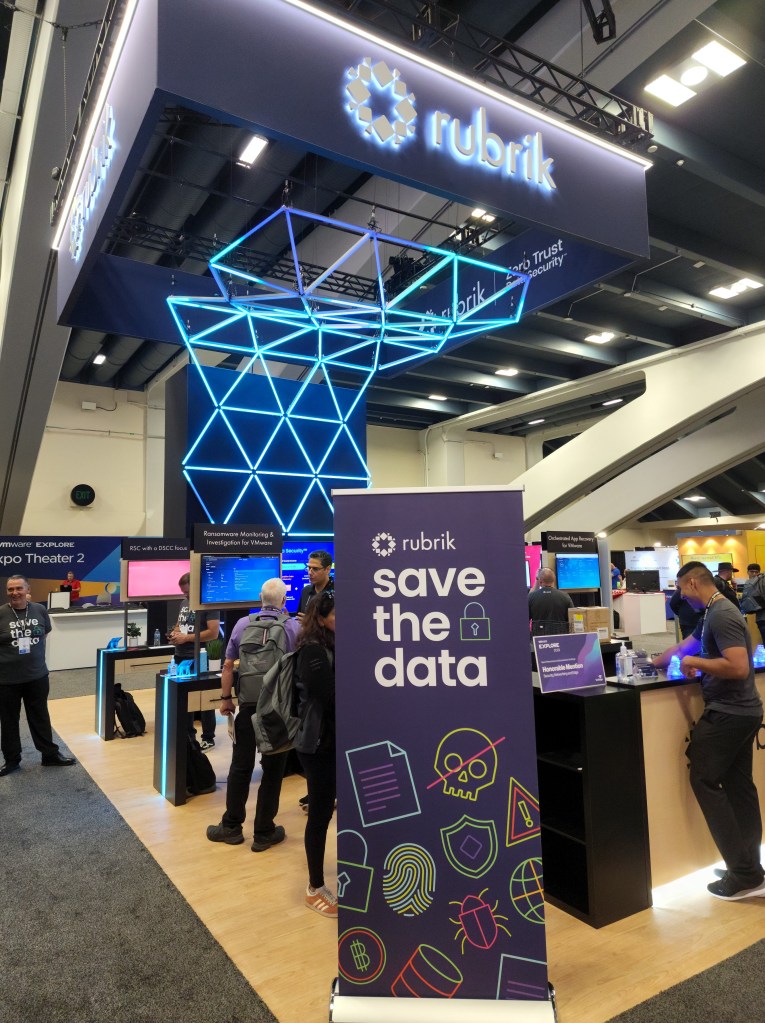
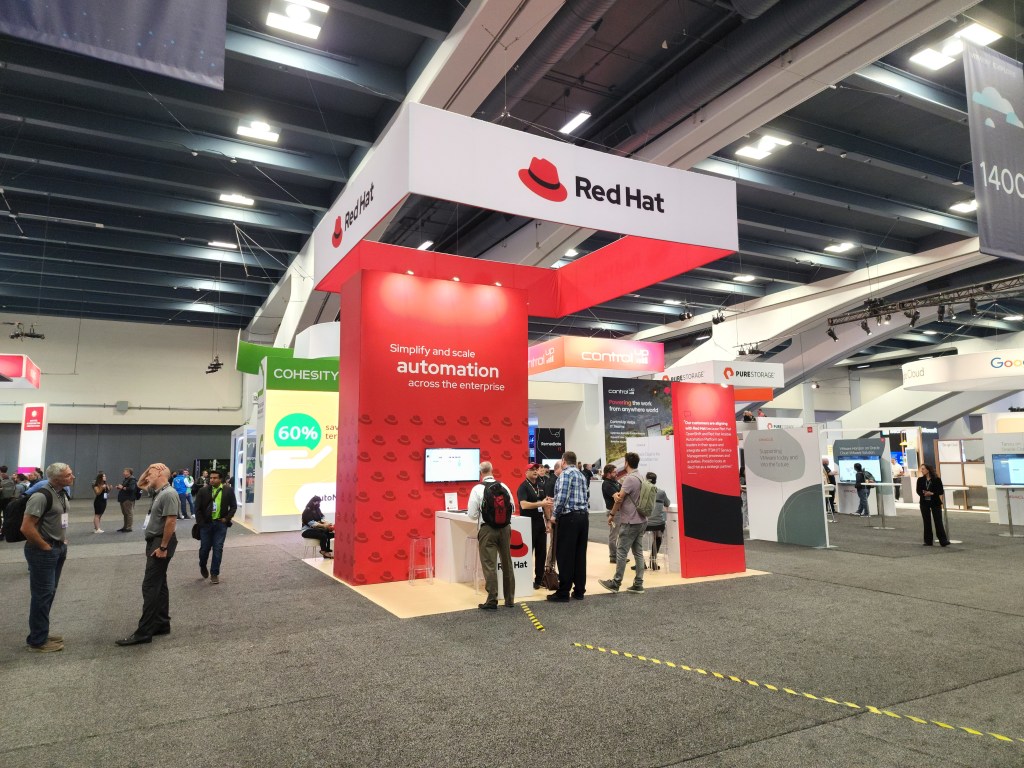
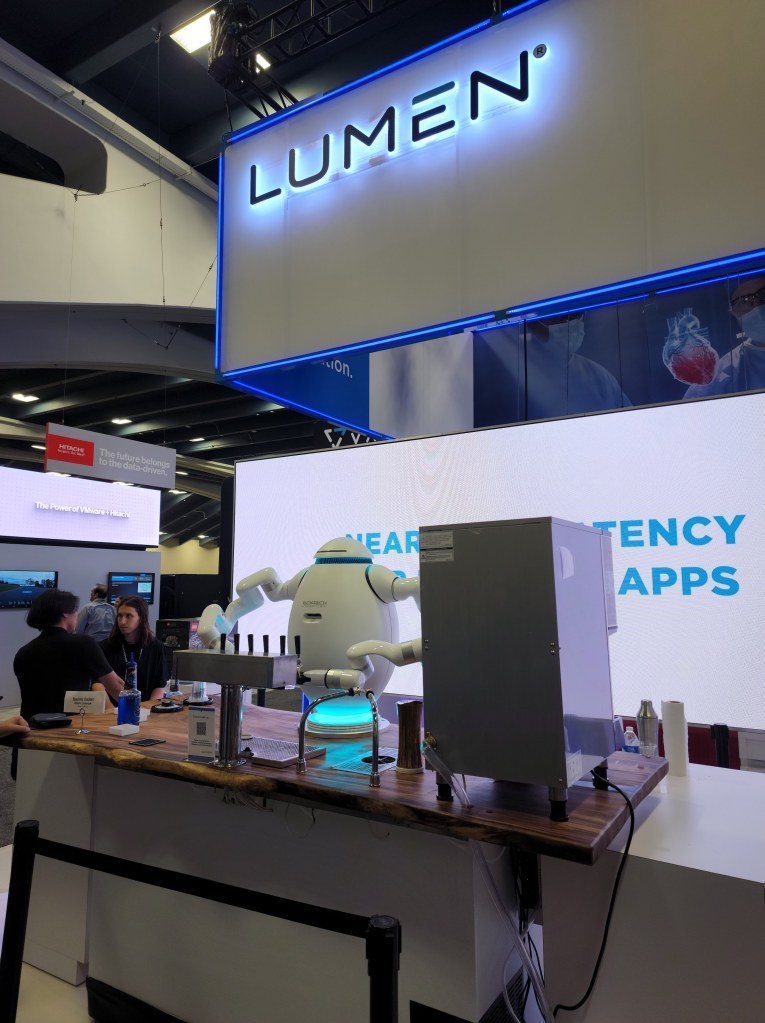
I wanted to spend as much time as I could in the expo to check out the products offered by the various vendors. Be sure to click on the panoramic photo of the expo hall that I have below. There wasn’t as many extravagant booths are previous years, but the products were there to shine and also the swag was generously given out. Cohesity and NetApp were very good to vExperts. Lego sets were the main giveaway for a lot of vendors and Zerto had the biggest of them all with the AT-AT set pictured below and a Millennium Falcon set.
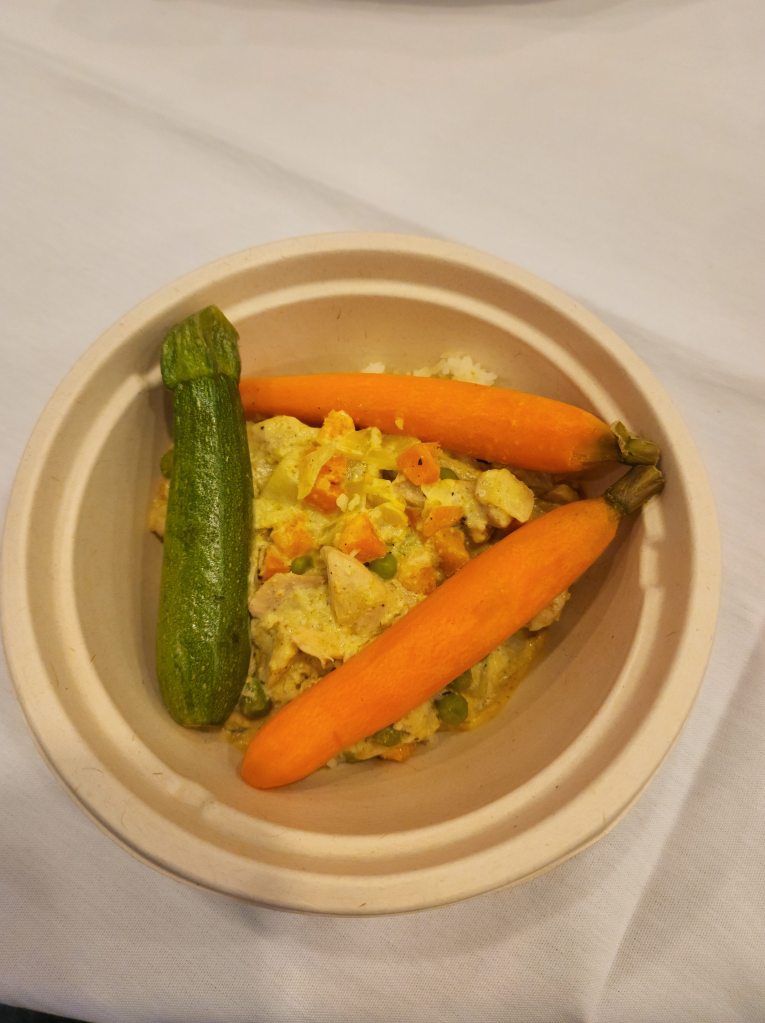
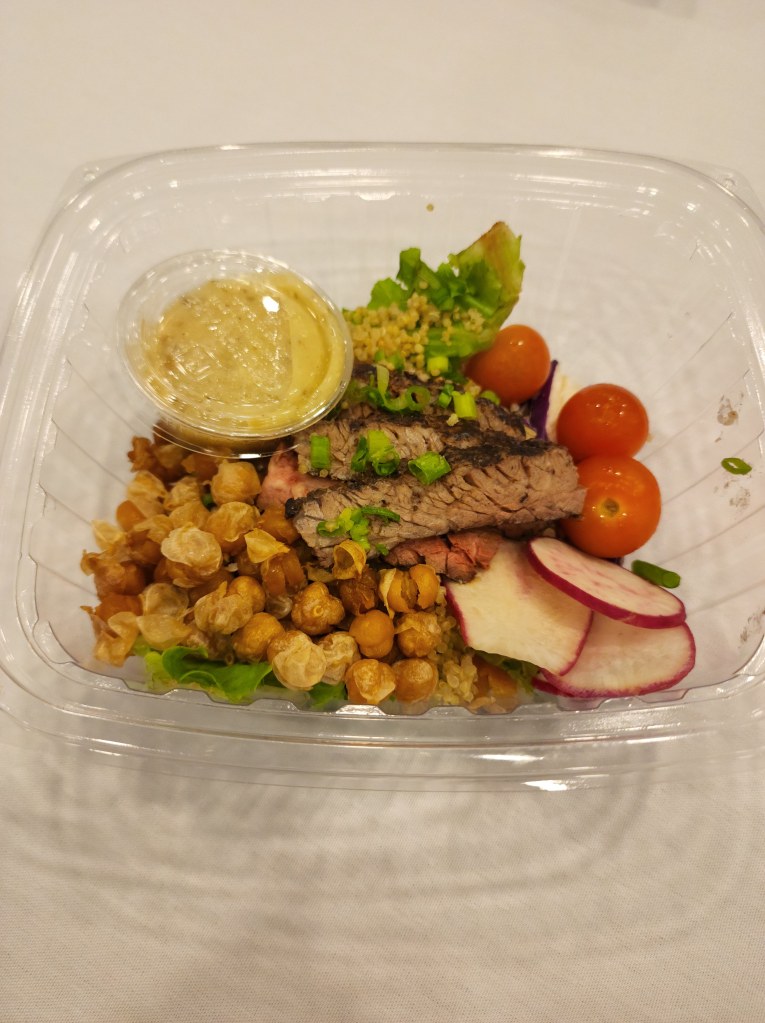
The food was extremely better than the 2019 event. In 2019, there were sandwiches pretty much everyday in huge plastic containers. This time it was a hearty bowl of food three of the four days. There was 2-4 meal options everyday. It was also a lot easier to eat for people with some specific food allergies and mostly served in a compostable bowl. Breakfast was a little better than the past.
I won’t be at VMware Explore Europe in November, but I am eagerly awaiting what VMware will announce next at this event. Then will be interesting to see if there will be any changes to next year’s event with the Broadcom acquisition of VMware. I am exited to see VMware continue to develop it’s multi-cloud strategy and Explore is the place to be to learn it all.
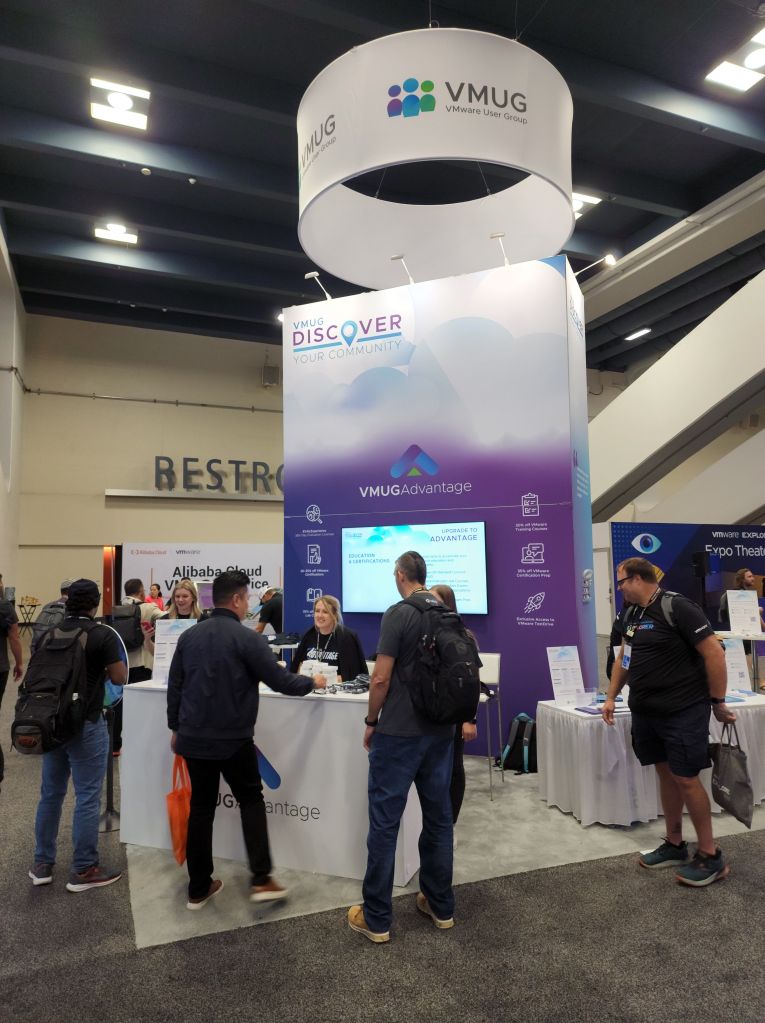
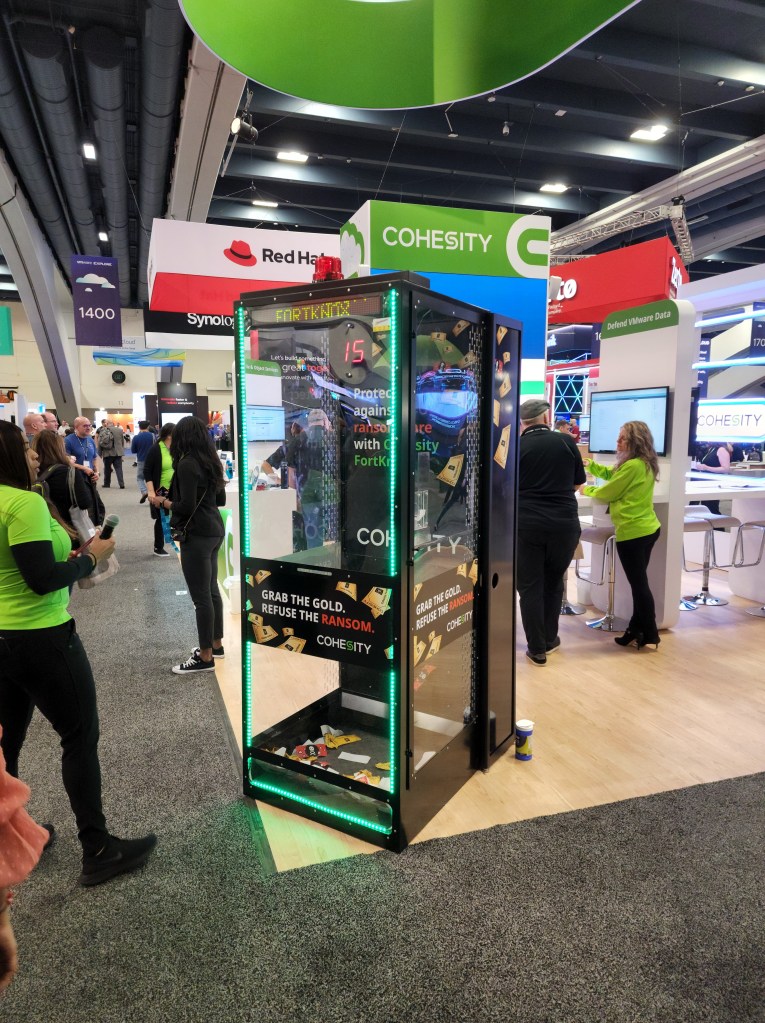
General SessionThe HubThe Hub AreaPanoramic view of the expo from Pure’s boothVMware’s BoothZerto’s Booth with one of the biggest raffle prices at the eventVMUG’s BoothCohesity’s Ransomware GameVeritas’s BoothRubrik’s BoothRed Hat’s BoothLumen’s Booth with a drink mixing robotGreat food for lunchGreat food for lunchThe Party!










 VirtCorner