VMware Explore 2023 Las Vegas Analysis

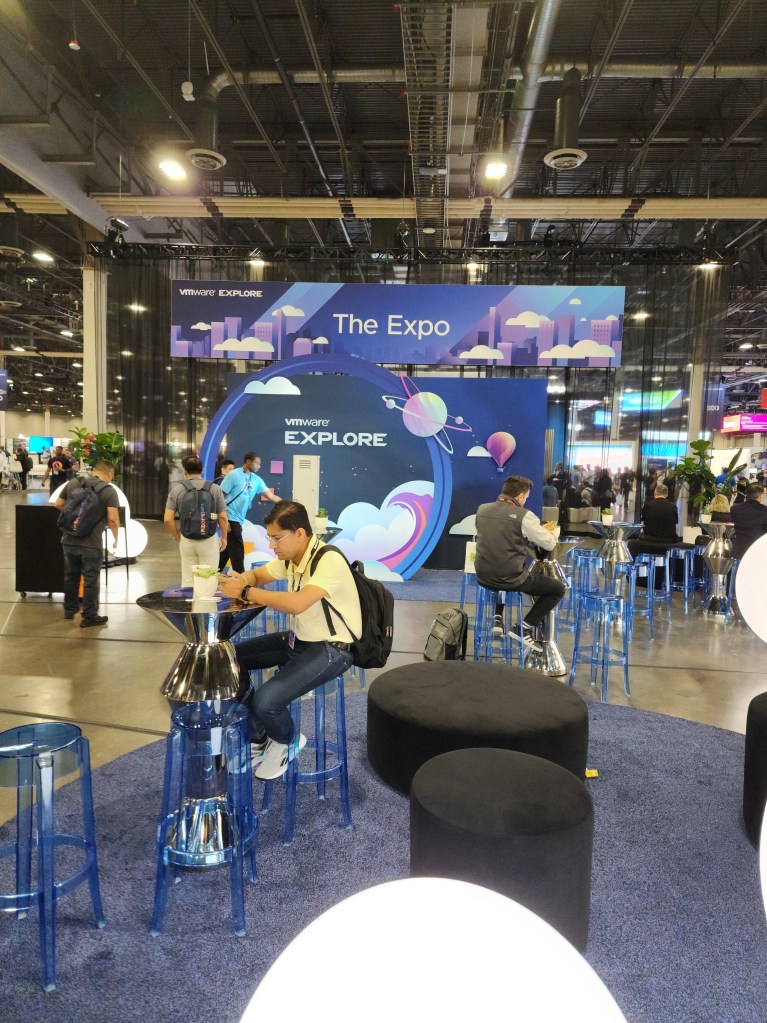
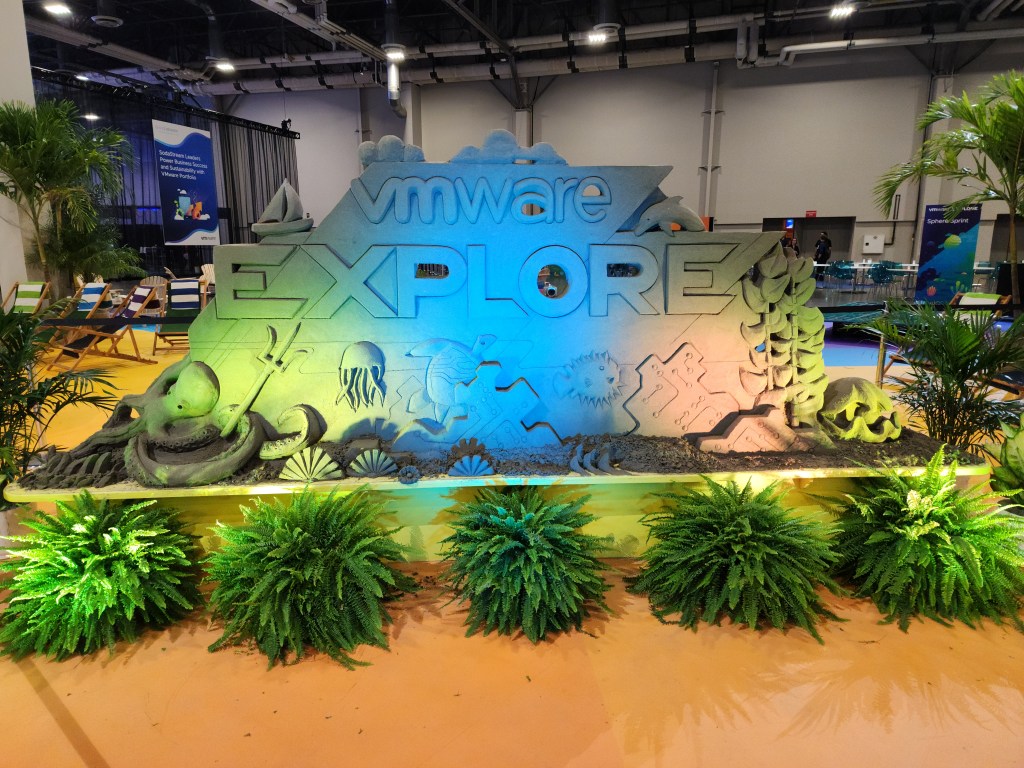
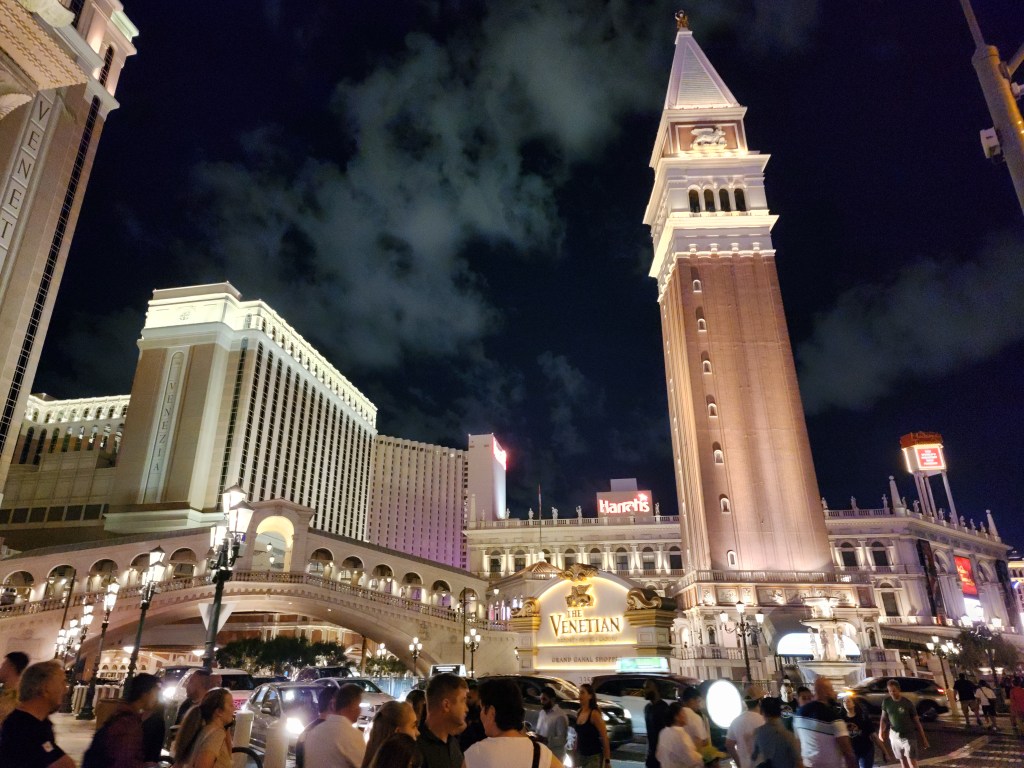
It was great for VMware Explore 2023 to be back in Las Vegas. I am sure attendance was higher than last year, but still not as many as before the pandemic. It’s definitely on the right track for continuing to grow. The Venetian is an amazing venue. It was nice not having to walk across a city block to attend sessions as it was with the Moscone Center. Though, I still, somehow, ended up with about the same amount of steps as last year. I really like everything with the Explore theme and I thought it was more embraced this year.

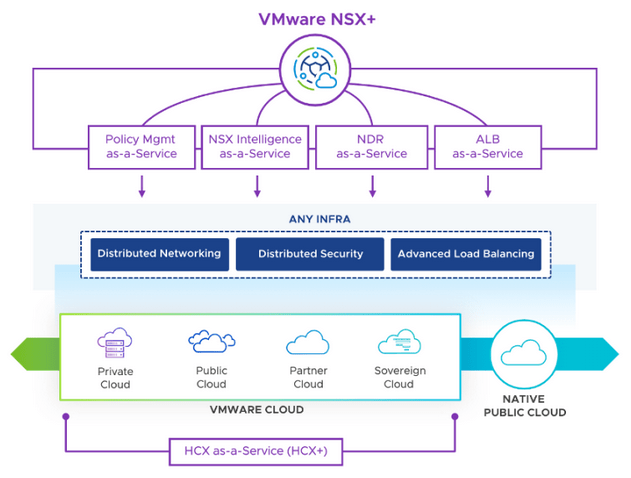
I have an article about vSphere announcements and vSAN announcements so I will focus on other areas in this article. As expected, AI was the main topic during the general session. I was impressed with VMware’s announcement of VMware Private AI. It makes a lot of sense to be able to have a platform to utilize AI, but without giving up your privacy. Many companies are not adapting quickly to AI because they see it as a security risk. You could be essentially giving up your data if you don’t own and control the AI model. With Private AI, that will not be an issue. Another announcement was VMware NSX+, which is another addition that makes sense. Customers can have one cloud console to manage NSX for both on-prem and cloud. That means consistent policies and management in one interface to keep VMware environments uniform.
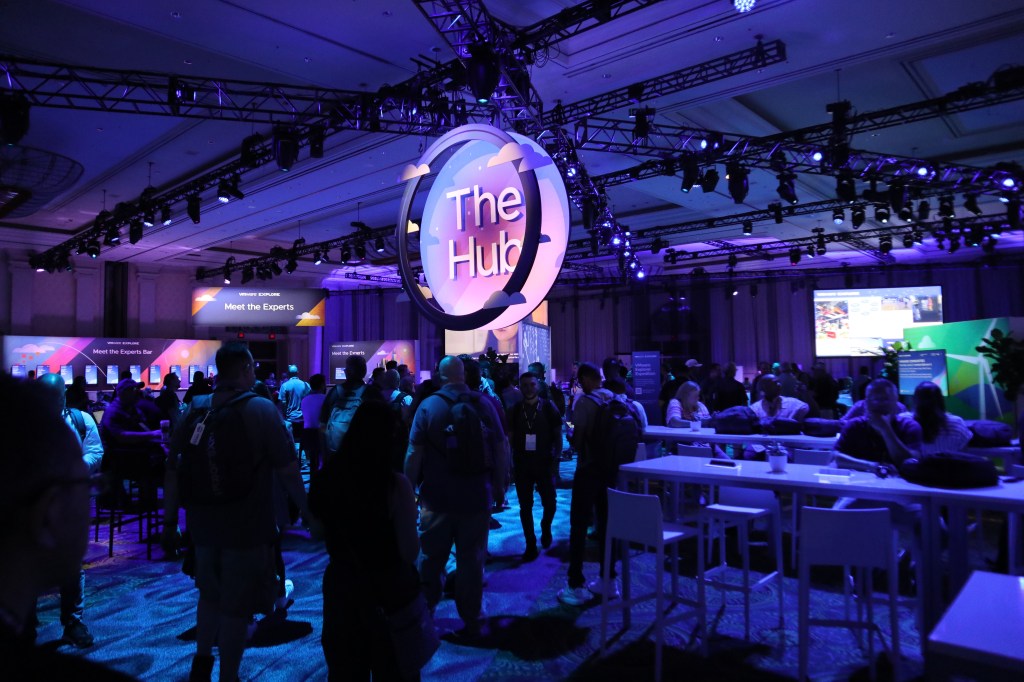
The Hub had the best setup this year. Everything community related was in one big room. It felt too disjointed in past years. VMTN, Virtually Speaking Podcast, VMware Rewards, and a few other groups all had a setup in The Hub, and it was close to the expo.

The food was not as good as last year. Two days out of four days for lunch was sandwiches and salads. Vegas has great food so no one wants multiple days of sandwiches. I hope VMware can step it up next year.

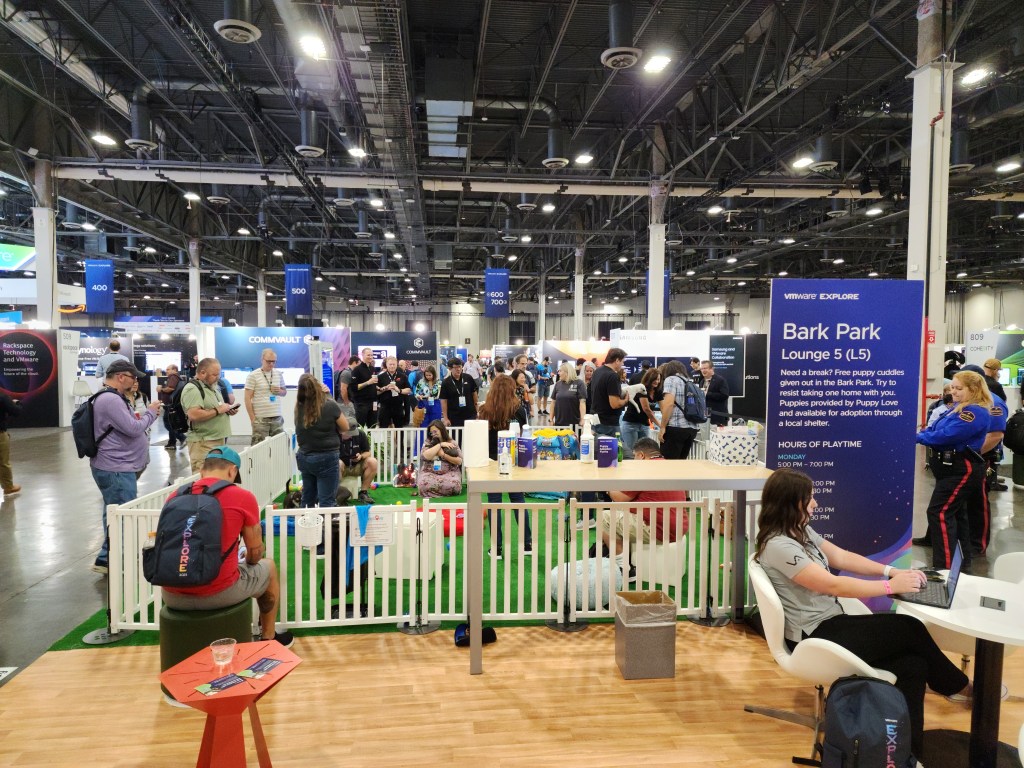
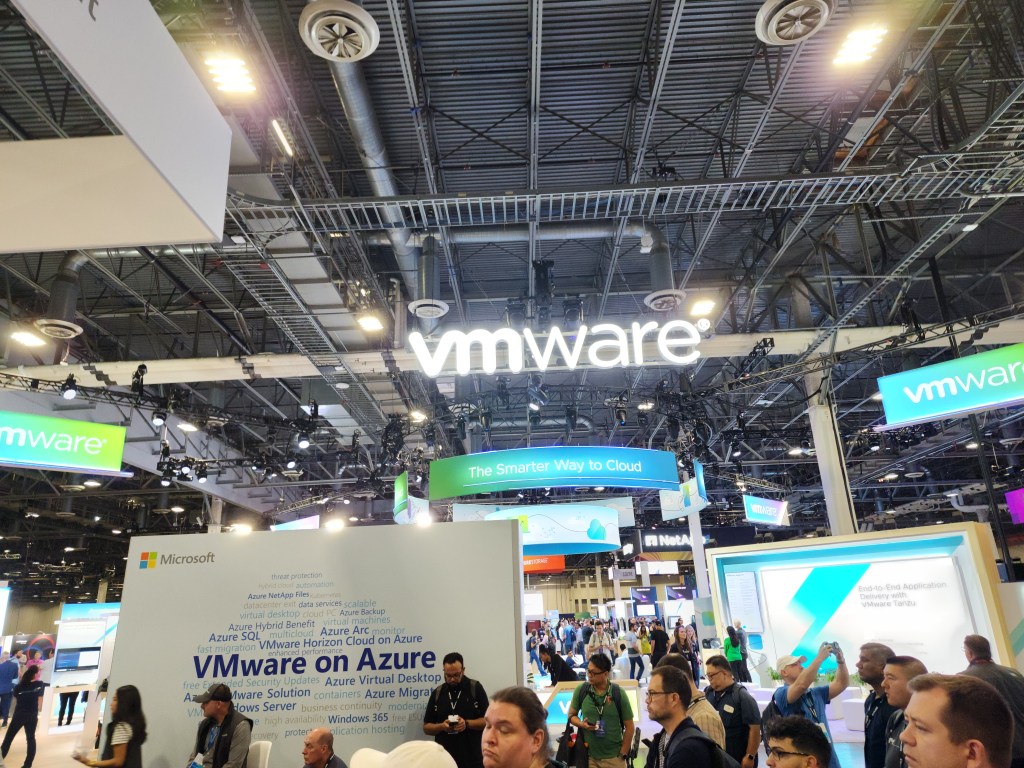
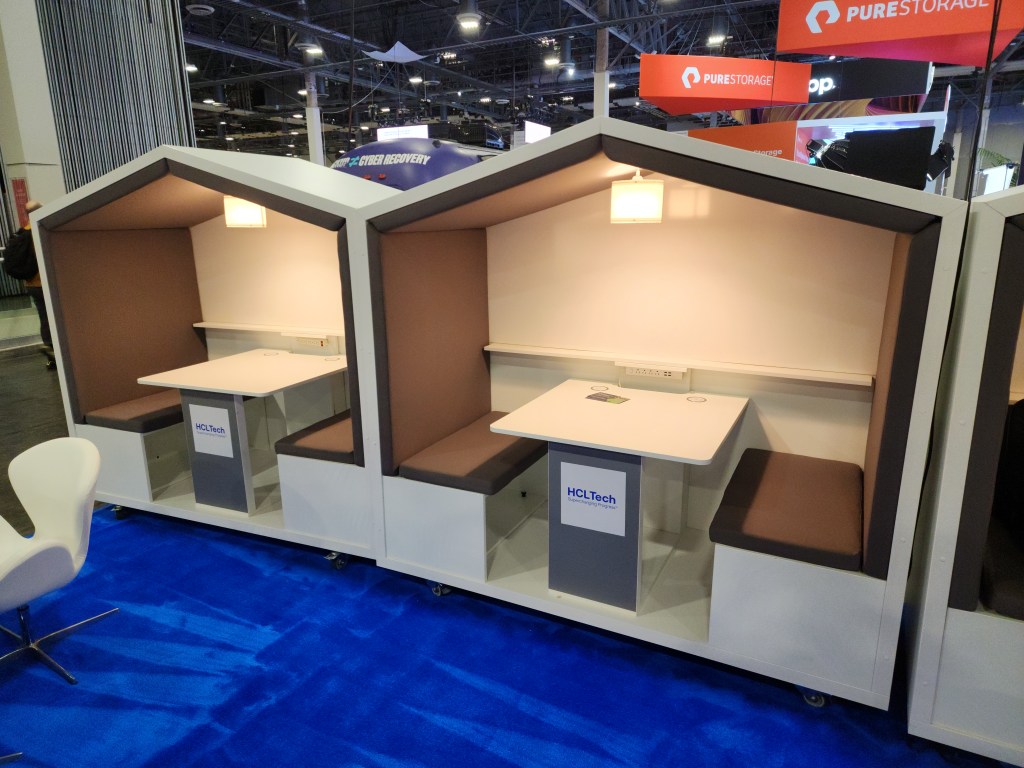
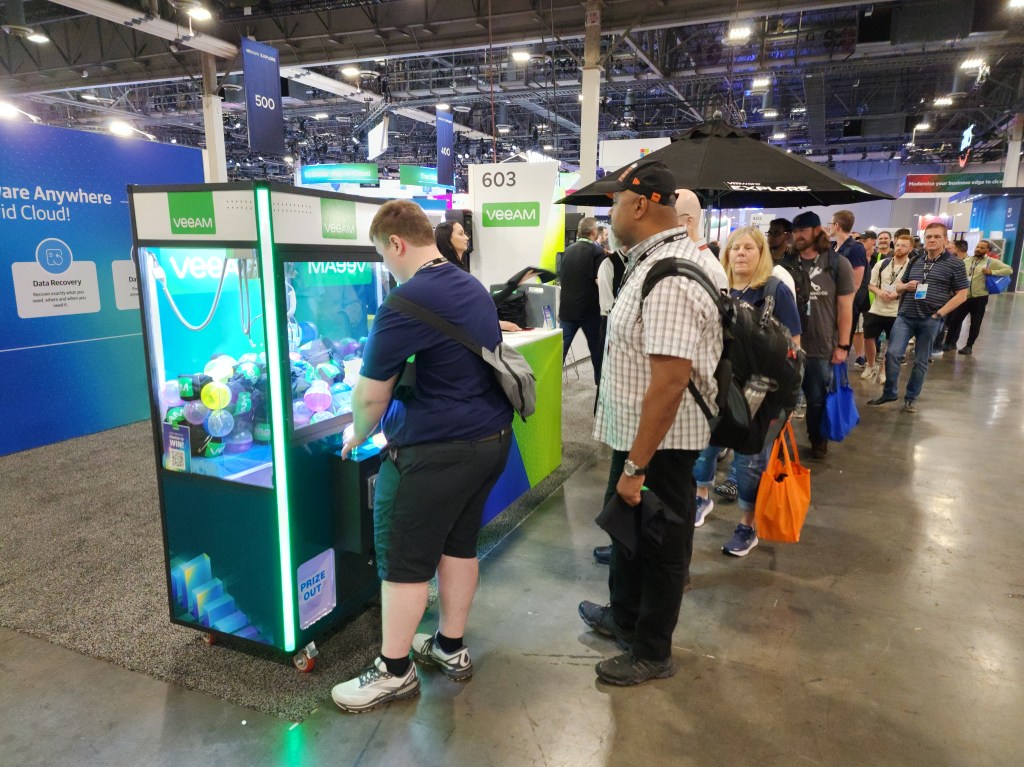
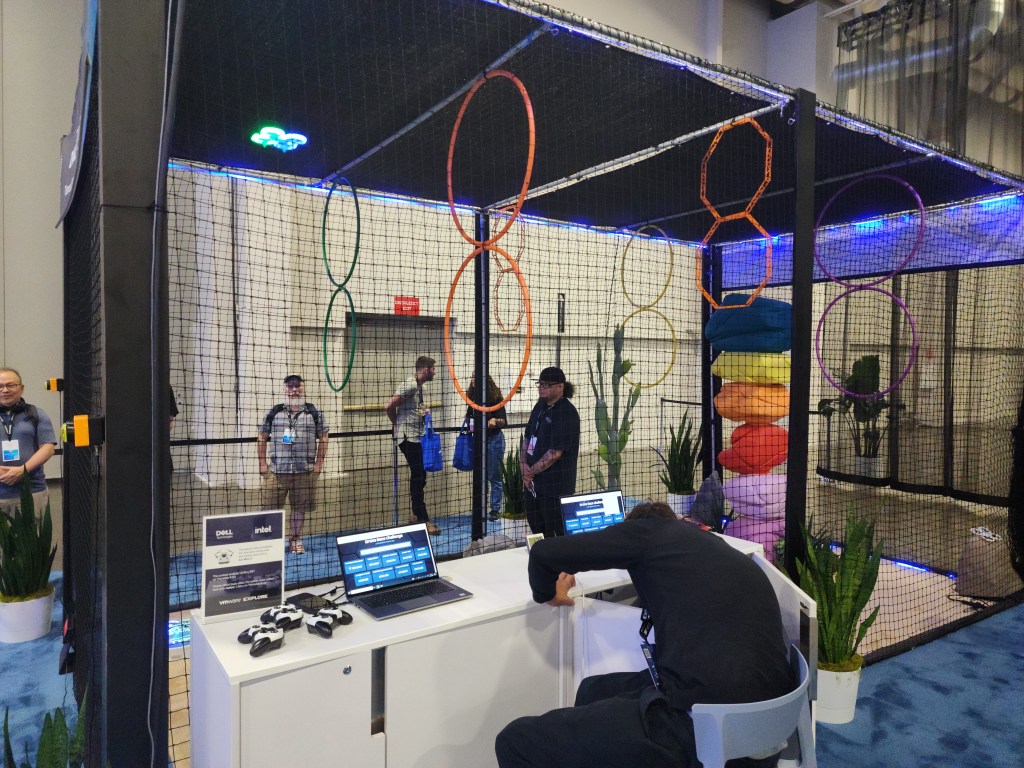
The expo area is always a favorite of mine. It was nice to have a lot of seating and gaming options around and in the expo. Though, many vendor booths were a bit scaled back compared to last year. I hope vendors see how great this year’s event was and will be able to increase their event budgets next year. There were a lot of nice giveaways for watching a short presentation, such as Nintendo Switches from Tintri, Lego sets from IBM, and tablets from Lenovo. I also need to give a shout out to Cohesity as they always deliver for vExperts with a nice gift.

Be on the look out for more VMware Explore events this year as there’s more events this year than ever before with four more events. These events will be in Barcelona, Singapore, São Paulo, and Tokyo. It will be exciting to see what information VMware will announce at these events. I am also excited to see the US side will be back at The Venetian in Vegas next year.

VMware NSX-T Data Center Security 2022 Exam Preparation and Experience

I passed the VMware NSX-T Data Center 3.1 Security Skills Exam (5V0-41.21) in April and finally writing an article on it. I honestly cannot find what was my score. I don’t think I scored much over 300. Keep in mind this is a skill badge and not a certification. The only requirement for the badge is passing this exam. It is the only exam I have taken in the security track. This exam really does cover a lot of good day to day skills in NSX, such as DFW rules, IDS/IPS, URL analysis, the Intelligence Appliance, etc. It does not cover the plumbing of NSX. The exam guide is a very fair representation of what is on the exam. There isn’t a lot of distinct topics so that means you need to hyperfocus on what is on the guide. I couldn’t find a lot of study material for this exam. The best I found is Daniël Zuthof’s exam guide article. He did an excellent job of going over the exam objectives. I recommend completing the two Hands on Labs below. I had about 6 months of NSX experience going into the exam so some labs helped.

NSX SecOps – Foundation: Self-guided Workshop
NSX SecOps – Advanced

vRealize Password Trouble

Even if you document every password you created, you may still run into password related issues. Root password expirations are easy ones to miss, especially when you don’t know when the password is going to expire. Most vRealize products expire root accounts password after 365 days. I recommend disabling password expiration for root and admin passwords for vRealize products if you can. Of course, still rotate the passwords. That way you are not in a tough spot if you miss the chance to easily change it. Either way, make a reminder in your PAM to change the passwords if you have a policy to rotate passwords. Below are some tips if you cannot log in to one of your vRealize products.

For example, if you are sure you know you are using the correct password to SSH with root and it’s saying your password is wrong, start off with rebooting each node one at a time. Then SSH into each node with the current password. Hopefully, you’ll be prompted that the password expired and to change it. This also works for NSX Manager nodes. If it’s an account that was recently locked out, waiting about one hour worked for me in the past.

VMware has documentation for each vRealize product to reset the root password. It’s generally booting into single user mode when using Photon OS. It also has ways in documentation to disable the password expirations.

If you are using vRealize Lifecycle Manager, make sure to update passwords in its Locker. Your accounts will lock out if you don’t do it.

Configure SMTP for everything that has the ability and set email addresses for all accounts. Password reset links are emailed out for Log Insight. Therefore, best to have this squared away ahead of time in case a user needs their password reset.

My Top Picks for Sessions at VMworld 2021

VMworld is virtual for the second straight year. The event is October 5-7 and will have content around the clock to accommodate various time zones. There are two types of passes available; the general pass is free and the Tech+ Pass has a charge. Some of the sessions are only available with the Tech+ Pass. The content catalog has been released so it’s nice to get an idea of what’s happening to plan ahead. I like to focus mostly on sessions that will help me add value to the work I do today. Some sessions will be pre-recorded and some will be live via Zoom. As always, there’s a lot of sessions to choose from. I went through them all and below are my top picks.

Deep Dive: VM Performance and Best Practices [VI2158]$
Extreme Performance Series: Performance Best Practices [MCL1635]
Extreme Performance Series: vSphere Advanced Performance Boot Camp [MCL2033]$
It’s good to see sessions based on the fundamentals of vSphere and then taking those fundamentals to the next level. All three sessions sound similar and rated at the highest technical level. Both extreme performance sessions are hosted by Mark Achtemichuk and Valentin Bondzio, and one of them is free. Mark is a VCDX, and whenever a VCDX speaks, I pay attention. These sessions should deliver useful information for all VMware admins. Mark and Valentin both work for VMware so I am sure they have seen a million different problems and can help people better troubleshoot when they face these problems.

Core Storage Best Practices Deep Dive [MCL2071]$
VMware vSAN – Dynamic Volumes for Traditional and Modern Applications [MCL1084]
VMware Storage Queue Tuning [VMTN2862]
The first session I listed above will be hosted by Cody Hosterman and Jason Massae. I have watched Cody present before at a local VMUG and other events, and he always delivers. He works for Pure, but don’t let that fool you into thinking he’s there to only promote his product. He always gets to the crux of storage that applies to nearly everyone. Duncan Epping, VCDX, and Cormac Hogan are presenting the vSAN session. They will be discussing the newer vSAN File Service and more cutting edge integration with vSphere Container Storage Interface. I am very interested in what storage tips all of these rock stars will give that I can apply at my job.

The Clock is Ticking on NSX Data Center for vSphere [EDG2721]$
NSX Data Center for vSphere to NST-T Data Center – Migration Approaches [NET1211]
NSX Data Center for vSphere to NSX-T: Strategies to Make the Move [EDG1515]
NSX-V reaches end of support on January 16th, 2022 and that’s the basis of these panels. Jayson Block, VCDX, is hosting the third session linked above. If you are still using NSX-V, you have to attend at least one of these sessions. All three sessions will give good advice on developing a migration plan. Hopefully, this will help to jumpstart your planning and migrating to NSX-T before support ends.

A Field Guide to Health Check vSAN to Operate, Upgrade and Transform [MCL1825]$
A technical Review of PSC. VMDIR, Replication and Snapshots [VI2447]$
Troubleshooting with vRealize Operations and vRealize Log Insight [MCL1286]$
All three of these sessions are in the meet the expert category and will give deep dives in their respective areas. Paul McSharry, VCDX, is presenting the vSAN session. This session looks valuable for anyone using vSAN to hear from an architect that has many deployments under their belt. The PSC has come a long way, but I still feel I don’t know everything I need to know about it. I always come across some sort of problem that support needs to help with. The PSC session looks to give the deeper understanding that I have been looking for. A lot of companies have vROps and vRLI deployed, but I rarely see anyone use the two products to their full potential. Using one or both of these products together is very useful for troubleshooting. I am looking forward to fine tuning my troubleshooting skills with this session.

Solid sessions make a virtual event and VMworld delivers again. I rather it be in person. However, it being virtual has some benefits, such as there’s a free option and more accessible to a wider audience. I will be again missing out on collecting a suitcase full of swag, but there will be giveaways from VMware and vendors, even during a virtual event. I won an official VMworld backpack last year!

VMware’s Cloud Strategy Finally Shaping Up

VMware has dominated on-premise virtualization for years, but has struggled in the cloud. Everyone knew vCloud Air was way behind AWS and Azure. I barely heard much about vCloud Air lately and not even a mention at the recent VMUG I attend.

First let me go over a couple sell offs in the past year. VMware sold its vCloud government service on August 31 to QTS. Then this month OVH announced it would like to buy vCloud air. Bye bye vCloud Air!

VMware has pivoted, which I think they have a better chance of being successful. That is with leveraging NSX in the cloud  and piggybacking off of already large, established cloud providers. They made the announcement during VMware world last year about their partnership with Amazon. Seemed like a rushed announcement since they didn’t have anything to show for a while. However, more technical information has been shared this year. Also, VMware has already been working with IBM Cloud and I heard plans for them to do the same with Azure.

I’m very interested in seeing how VMware will do with offering cross cloud architecture. Perhaps the cloud will not be siloed between vendors in the future. Check out The Fluffy Admin’s article on VMware Cloud on AWS for more information.